
A habit tracker is a record of planned actions and their completion. To begin, choose one manageable action, set the days, record the result, and review what got in the way after a week. An app or a sheet of paper both work.
This guide helps configure a tracker around your life. If you are choosing a specific app, open the comparison of ten trackers for Android, iPhone, and the web, which collects documented features and official sources.
Why use a habit tracker: the science of tracking
A record helps you see whether the action happened on planned days. Notes may reveal a recurring difficulty: for example, evening reading repeatedly loses out to urgent tasks. This is a reason to test another time, rather than evidence of insufficient willpower.
A tracker does not create a habit by itself or guarantee results. In a study by Phillippa Lally and colleagues, automaticity developed gradually as an action was repeated in a stable context. Timelines differed between people and actions; “66 days” cannot be used as a personal deadline. The researcher's explanation was published by the University of Surrey.
A useful record answers two questions: “What did I do?” and “What helped or got in the way?” Without these explanations, counting checkmarks can easily become a competition with the calendar.
Example: setting up a tracker for reading
Illustrative example: you want to read more often, but have no energy left in the evening. Instead of a vague “read every day,” try a small step after breakfast on selected days.
| Field | Example entry |
|---|---|
| Action | Read two pages of the chosen book |
| Context | After breakfast, with the book beside the table |
| Schedule | Monday, Wednesday, and Friday |
| Reminder | One notification after the usual breakfast time, if it helps |
| Mark | Completed after reading; if missed, a short reason |
| Review | On Sunday, check the three planned attempts |
Two pages and three days are parameters of this example rather than a standard for everyone. If your day works differently, change the amount and context. The habit's name should make clear exactly what counts as completion.
Criteria for evaluating the best habit trackers
Compare features using your own action. An app may have many capabilities, but initially it matters more that creating and returning to a record is easy.
Schedule
Can you select the days you need or the number of repetitions per week? Do planned days off avoid being counted as misses?
Recording and correcting
Can you quickly record an action and correct a mistaken entry? Is the meaning of an empty cell clear?
Reminder
Does it arrive when you can perform the action? Can you remove unnecessary notifications?
History and notes
Can you see planned attempts, completion, and reasons for missed days? Can you export history if that matters?
Device and terms
Check the platform, account requirements, offline operation, free-version limits, and subscription renewal rules.
Habit tracker comparison table for 2026
Different scenarios are more useful for choosing an app than an overall score. Below is a brief guide; full terms and sources are provided in the app comparison.
| The scenario you need | What to check |
|---|---|
| A free Android tracker | Loop: reminders, check-offs, and statistics |
| Habits on Apple devices | Streaks: scheduling, Apple Health data, and access from the device you need |
| Game-based motivation | Habitica: habits, recurring Dailies, and one-off To-Dos |
| Reminders on Android or Apple | Productive: creating a habit and the terms of your chosen version |
| A recurring to-do item | Google Tasks: recurring tasks; Notion: a suitable template |
How to choose a habit tracker: step-by-step instructions
First, write down two essential requirements, such as Android and a weekday schedule. Select two suitable options. Create a sample habit in each, then check the notification and completion mark. Avoid buying a subscription just for attractive statistics before you know whether the basic action is convenient.
If you need a separate next step alongside work activities, you can record it in Sinqly using text or voice. The app is not necessary for the habit experiment itself.
Common mistakes when using a habit tracker
Too many changes at once. A long list makes it harder to understand exactly what is not working. Start with one habit as a small experiment. This is a practical limit on workload rather than a universal scientific maximum.
A step that is too large. If “read a chapter” is constantly postponed, try two pages. For movement, start with a short walk instead of a large workout plan. Read more in the article on micro-habits.
Treating a missed day as erasing all the work. Keep an honest record, note the reason, and choose the next opportunity to return. Do not add fictional completions for a streak. If missed days recur, review the timing or amount of the action.
Counting a day off as a failure. In the reading example, Tuesday was not planned. It is not the same as a missed Wednesday. Distinguish “not planned,” “completed,” and “missed” if the tool allows it.
Prepare the book, clothes, or other necessary item in advance. James Clear describes a small starting step in the two-minute rule. This is a way to make starting easier, rather than a promise that any action will become automatic within a fixed period.
How to use a habit tracker effectively
Choose a convenient moment to record completion, preferably close to the action before you forget details. Once a week, review planned attempts and notes. You do not need to explain every fluctuation; choose one recurring difficulty to test next week.
| Day | Entry | What we learned |
|---|---|---|
| Monday | Read two pages | Having the book beside the table helped with starting |
| Wednesday | Missed: left home early | The usual breakfast context did not work |
| Friday | Read two pages | The amount was manageable |
Conclusion for next week: keep the amount, but choose another realistic window for the day with an early departure. One experiment does not prove causation, but provides a specific, testable idea. For a more detailed analysis, see the habit tracking guide.
Paper tracker versus app: which to choose
Paper is convenient if you can keep the record visible and want to avoid opening your phone again. Draw a row with the action and cells for planned days, leaving room for a note. You will need to provide reminders and calculate totals yourself.
An app is useful when you need notifications, history, or access from a device always nearby. Before transferring data, check accounts, synchronization, privacy, and export. These features should not be assumed identical across trackers.
A combination is also possible: paper for daily marks and a digital note for the weekly conclusion. Make sure double recording does not become harder than the habit itself.
The psychology of streaks: why streaks work in habit tracking
A visible streak can remind you of previous efforts. But it measures consecutive marks under the app's rules, rather than the action's value or your overall discipline. If a streak creates pressure, look at the week's planned attempts and reasons for missed days.
For more on working with streaks, see the article on habit streaks. Keep an honest history: returning after a missed day is more useful than attractive but invented statistics.
Frequently asked questions about habit trackers
Which habit tracker is best for beginners?
Start with one that makes it easy to define one action, select the days, and mark completion. For Android, consider checking Loop; for Apple devices, Streaks. A paper table works too. Test convenience first, then decide whether you need extra features.
Are free habit trackers effective, or do you need to pay?
An app's price alone does not indicate whether you will perform the action. A free tracker or paper may be enough for recording and reviewing. A paid feature makes sense if it solves a specific problem, such as the schedule you need or access from another device.
How many habits can you track at once?
There is no universal optimal number. For a first attempt, choose one habit and see how it fits into your day. Add another when you understand what helps you perform and record the previous one.
How does an AI habit tracker differ from an ordinary one?
The AI label does not describe a specific feature or prove effectiveness. Check exactly what the app does, what data it receives, and whether you can verify its advice. You cannot assume slip prediction or guaranteed habit maintenance from the name.
Can you use a paper habit tracker instead of an app?
Yes. Write down the action and planned days, mark completion, and add a short reason for missed days. Paper works if you do not need notifications or automatic statistics.
How do you avoid abandoning a habit tracker after a week?
Make the action manageable, keep the record near where you perform it, and examine difficulties instead of chasing a perfect streak. After the first week, change one inconvenient condition: timing, amount, or reminder method.
Which habit tracker is best for Android?
Loop is a free, open-source option with reminders and statistics. Productive also supports Android. Compare them using one action and check the terms of the version you choose.
Where to start today
Write down one action, the smallest manageable amount, and the days for doing it. Prepare the needed item, choose a recording method, and schedule a first-week review. Change tools only if you can name the specific inconvenience the change should resolve.
How to choose a tracker without chasing a perfect streak
First, define what you need to record: whether an action happened, a quantity, or a schedule. For a simple ‘done/not done,’ the easiest method is enough. If the habit connects to daily tasks, it is useful to check how they appear together. Do not judge apps' medical effectiveness by an attractive interface.
Reading needs one checkmark after a session. Workouts on Tuesdays and Saturdays need convenient scheduling. For studying, the number of exercises completed may matter more. These are three different selection criteria, although all are called tracking.
- Check frequency settings, correction of mistaken marks, and how a missed day appears.
- Create one real habit before transferring your entire history.
- Assess whether the review helps with the next action rather than simply maintaining a streak.
Turn an idea into action
Was this helpful?
Rate the article and tell us what was missing. Your feedback goes to the Sinqly team and will not be published on the site.
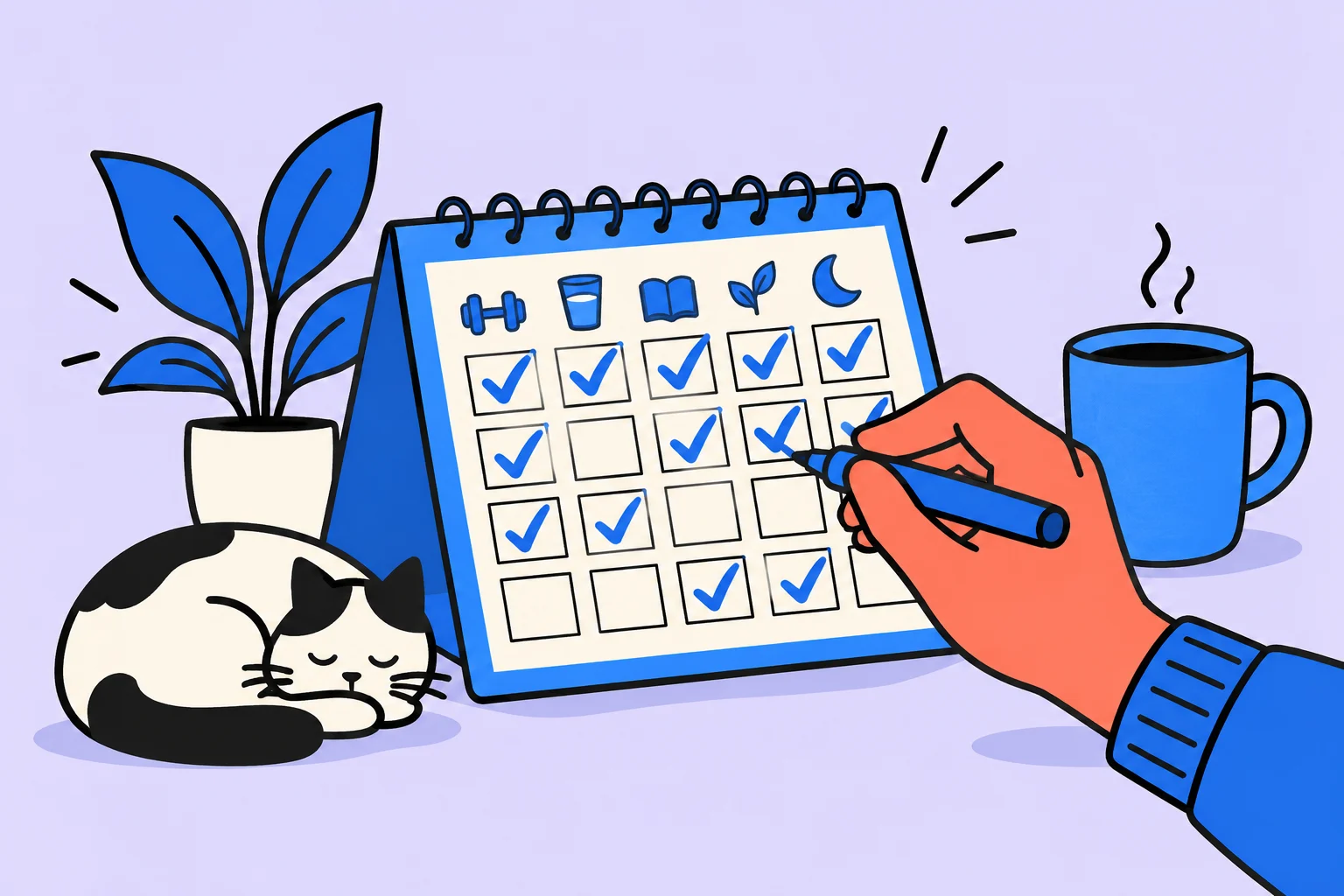
How to Track Habits Effectively: The Complete 2026 Guide
Science-based habit tracking: habit diaries, habit journals and digital trackers. 7 methods and step-by-step instructions.

How habits change the brain: habit neuroscience in simple terms
What happens in the brain when we form habits? The basal ganglia, myelination, dopamine, and the habit loop: neuroscience explained accessibly.
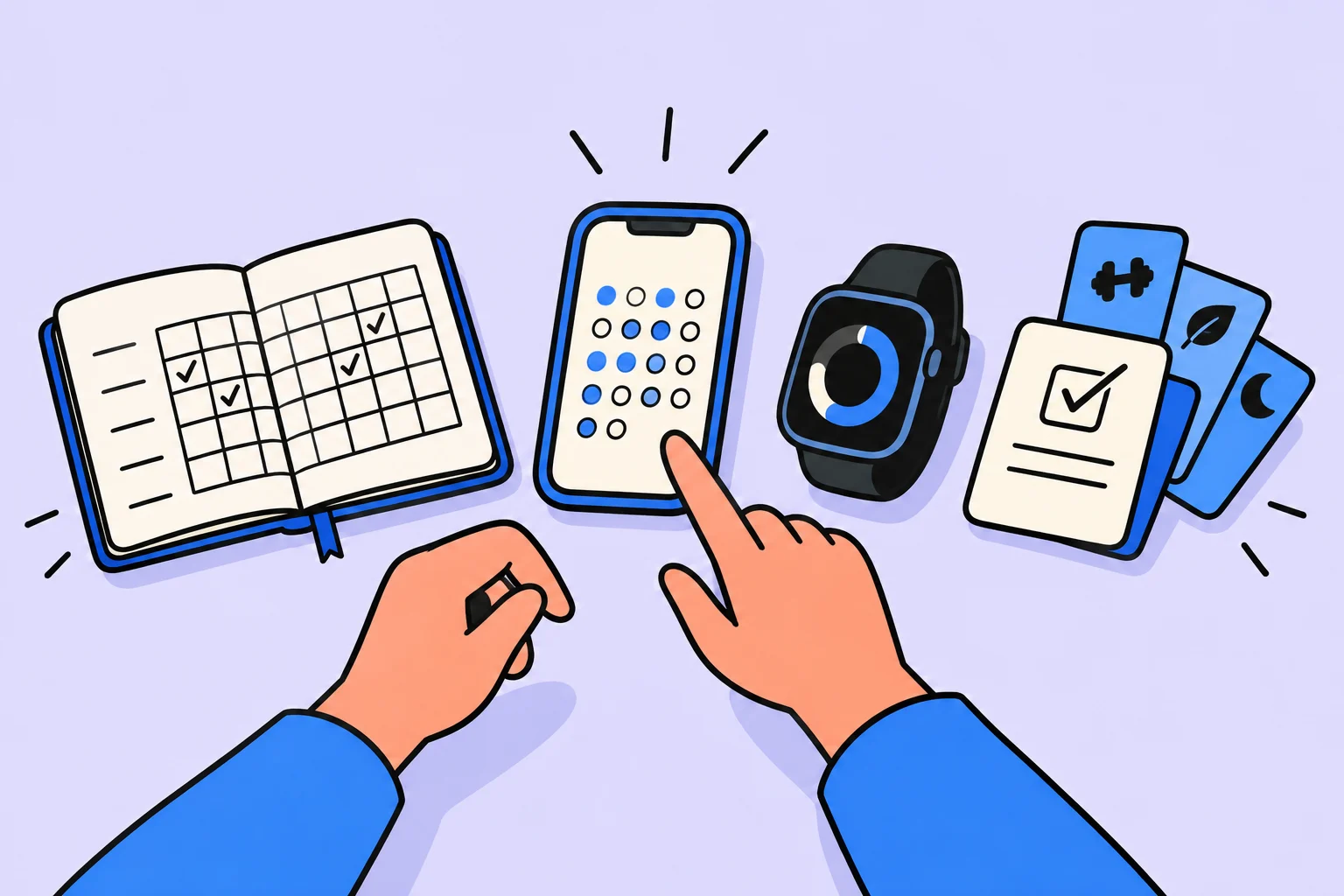
How to choose a habit tracker: criteria and tracker comparisons for 2026
Which habit tracker should you choose? A detailed comparison of trackers, evaluation criteria, common mistakes, and recommendations for different needs.