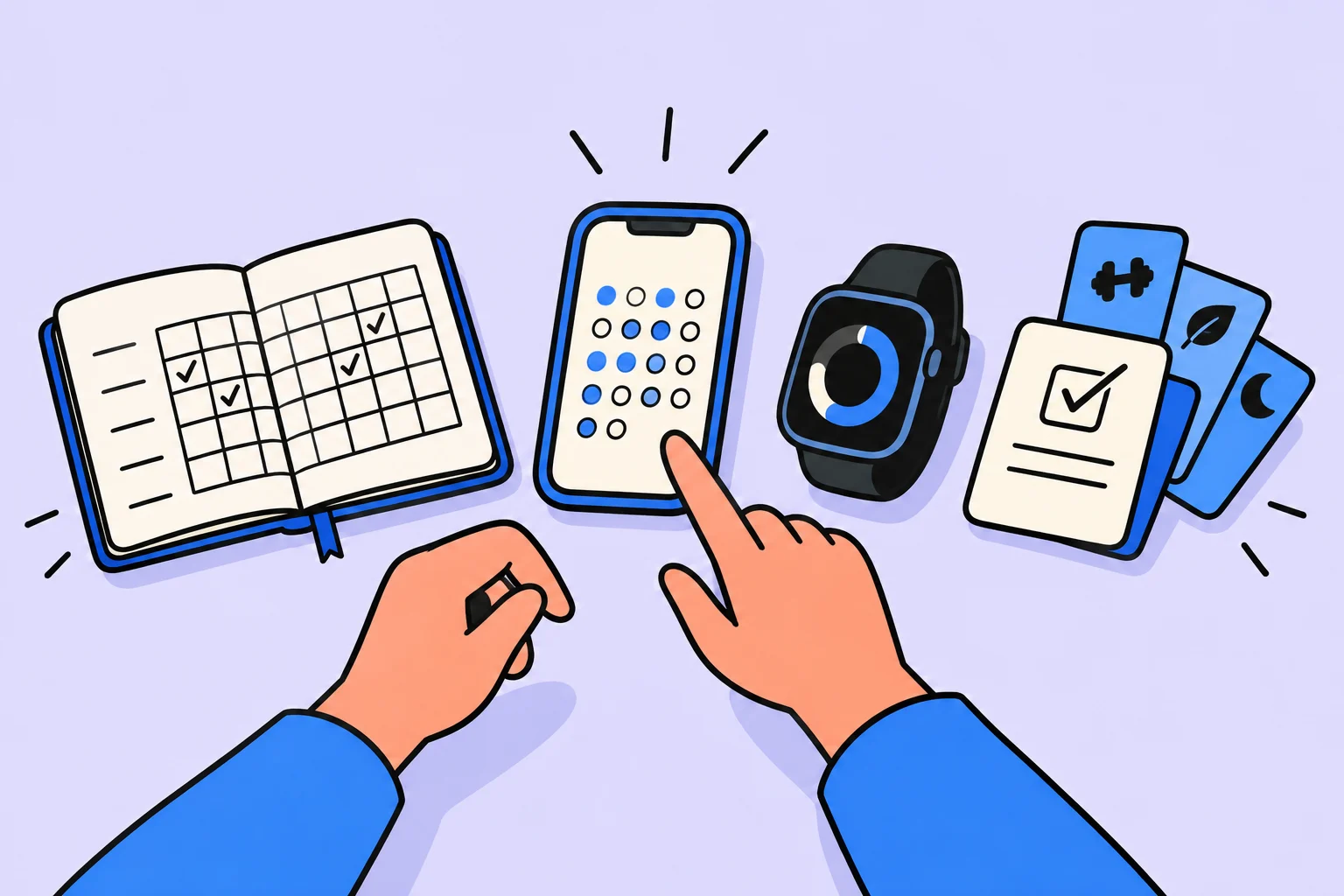
There are hundreds of habit-tracking apps on the market. How do you choose one that suits you and will not be forgotten after a week? This guide examines the key selection criteria, compares different types of trackers, and helps identify which habit tracker to choose for your needs. We also recommend our ranking of the best trackers of 2026 for a detailed comparison of specific apps.
This article is useful both for people considering systematic habit tracking for the first time and for those who have tried several apps without finding “their” one. We draw on behavioral psychology research and the real experience of thousands of users.
more often people with a habit tracker achieve their goals
maximum check-off time before you give up
minimum evaluation period: do not change trackers sooner
of users abandon a tracker within the first 2 weeks
Why you need a habit tracker and which tracker to choose
Peter Drucker's principle, “What gets measured gets improved,” applies to habits too. A habit tracker has three key functions: reminding you to act (trigger), recording completion (feedback), and visualizing progress (motivation). A meta-analysis published in PubMedshows that people who systematically track habits are 42% more likely to achieve their goals than those who rely on memory.
But not every tracker is equally useful. An overly complicated tracker becomes another task rather than a helper. An overly simple one will not provide the feedback you need. The right tracker should fit your life as naturally as brushing your teeth. Asking “which habit tracker should I choose?” is essentially asking which tool will fit your particular routine.
Before comparing apps, identify your needs. Do you want to build a morning routine, track workouts, or monitor nutrition? Different goals require different tracker types. A general-purpose app may be worse than a specialized one, but a specialized one will not cover every need. Finding the balance is your main task.
Types of habit trackers: comparing approaches
Habit trackers can be divided into several categories by tracking approach. Understanding these categories helps narrow the choice and avoid spending time on apps that are unsuitable from the start.
Minimalist checklists — simple apps such as Streaks or Done. Just “done/not done,” minimal settings, and quick operation. Suitable for people who value simplicity and do not want to learn complex interfaces. The downside is a lack of in-depth analytics and motivational mechanisms.
Gamified trackers — Habitica and Habitify. Points, levels, achievements, and virtual rewards. They work well for people who need extra motivation, particularly at the start. The downside is that game elements can distract from the purpose, tying motivation to the game rather than real results.
Comprehensive systems — Notion or Obsidian with plugins. Endless customization, but a steep learning curve. Suitable for “tinkerers” who enjoy building their own system. The downside is that it is easy to become absorbed in configuration and forget the habits themselves.
If you love simplicity and minimalism, start with a checklist. If you need external motivation, try gamification. If you want to understand why you slip, choose an AI tracker. If configuring a system is enjoyable in itself, build in Notion. The main rule: the best tracker is the one you actually use.
Criterion 1: Ease of use
The most important selection criterion. Recording a habit should take no more than 5 seconds. If checking it off requires opening the app, finding the habit, and pressing three buttons, you will stop after a week. The best trackers let you check off a habit with one tap through a home-screen widget, push notification, or messaging bot.
Test the tracker on your busiest day. If you can check off all habits without irritation even then, it is your tool. Pay attention to app loading time, the number of steps required to check off a habit, and quick-access widgets.
Onboarding is another consideration. How long does initial setup take? If creating the first 5 habits takes 30 minutes, many users will not reach day two. Good trackers offer habit templates and a quick start in 2–3 minutes.
Criterion 2: Flexible frequency settings and tracking types
Not all habits are daily. Workouts may be 3 times a week, meditation daily, and reading on weekends. A good tracker lets you individually configure frequency, weekdays, reminder times, and tracking type (yes/no, quantity, time, or percentage) for each habit.
It is also important to group habits into categories (morning, work, and evening) and customize their display order. Some trackers allow habit stacking: completing one automatically brings up the next, a method James Clear describes in Atomic Habits.
Look for support for quantitative habits: drinking 8 glasses of water, reading 30 pages, or walking 10 000 steps. Not all trackers let you enter numbers and track progress toward a goal within a single day.
Criterion 3: Analytics and progress visualization
Without analytics, a tracker is just a checklist. You need weekly/monthly completion percentages, current and best streaks, a heatmap (strong and weak days), and correlations between habits (for example, how sleep quality affects meditation).
Visual presentation matters too. Graphs, charts, and heatmaps help reveal progress that is hard to notice in daily routines. Seeing a green run of 30 consecutive days is a powerful motivator to continue.
Criterion 4: Motivation and retention mechanisms
Streaks are a simple but powerful motivator. After 30 consecutive days, you do not want to break the chain. But streaks do not work for everyone: for some, missing one day means “everything is lost” and they quit entirely. Look for trackers with flexible streak systems, such as allowing one missed day a week without resetting the streak.
Gamification (points, levels, achievements, and competitions) significantly increases engagement in the first 2–3 months. But game elements should connect to real progress rather than manipulate the sense of achievement. Social features (groups, challenges, and shared progress) also motivate, but do not suit everyone: introverts may prefer working independently.
A study in Journal of Medical Internet Research (2019) compared different tracker types. Users of apps with AI feedback maintained habits 34% longer than users of simple checklists. The key factors were personalized reminders and adaptive recommendations after missed days.
Criterion 5: Integrations and the app ecosystem
A habit tracker is part of your productivity system. It should integrate with other tools: a calendar (Google Calendar or Apple Calendar), task manager, fitness tracker (Apple Health or Google Fit), and messaging app. The more data is collected automatically, the less manual work and the more accurate the analytics.
Look for an API, Zapier/Make integrations, and platform support (iOS, Android, Web, Telegram, and Apple Watch). Sinqly, for example, works as a web app and Telegram bot, letting you check off habits wherever convenient without downloading a separate app.
Data export is another important consideration. If you decide to change trackers, can you take your history with you? Open formats (CSV and JSON) are a plus. Closed ecosystems without export are a serious downside, particularly for long-term use.
Criterion 6: Cost and free tracker features
Most trackers use a freemium model: basic features are free, advanced ones require a subscription (usually 200–600 rubles per month). Assess which features you actually need. A free version with 3–5 habits may be enough initially. If the tracker becomes part of your daily routine, the subscription will pay for itself many times over.
Compare monthly and annual subscription costs: annual plans are usually 30–50% cheaper. Check for a trial of premium features. And remember: a free tracker you use every day is better than a paid one gathering dust in a “Productivity” folder on your phone's third screen.
Also consider hidden free-version restrictions: limits on habit count, no history beyond 7 days, in-app advertising, and no export. Some trackers limit reminders in the free version, and a tracker is significantly less useful without reminders.
Comparing trackers: a step-by-step selection process
To avoid getting lost among dozens of apps, take a structured approach. The step-by-step process below helps you find the ideal tracker in 30 minutes rather than 30 days of trial and error.
Define your goals
Write down 3–5 habits you want to track. Specify each type: daily/by weekday, yes/no, or quantitative. This immediately eliminates trackers without the necessary settings.
Choose a platform
Where do you most often use your phone? iOS, Android, or Web? Do you need a widget, Apple Watch support, or a Telegram bot? Narrow the list to apps on your platform.
Install 3 finalists
Using this article's criteria and our rankings, choose 3 trackers. Download or register for each: it takes 5 minutes apiece.
Add the same habits to all three
Enter the same 3 habits in each tracker. Assess adding speed, ease of frequency settings, and interface quality.
Test them in parallel for 3 days
Use all 3 trackers at once. Notice which you open first, which irritates you, and which you forget. Your subconscious will offer clues.
Keep one and use it for 30 days
Delete the two runners-up. Give the winner a full month. Assess the results only after 30 days: earlier conclusions are meaningless.
Common mistakes when choosing a habit tracker
Mistake 1: Choosing by feature count. More does not mean better. A simple tracker with 3 features that you use daily is more effective than a sophisticated one with 50 features and an intimidating interface. Features you do not use only get in the way: they clutter the screen and slow things down.
Mistake 2: Starting with 10+ habits. This is the classic New Year's motivation trap. Full of enthusiasm, you add everything, and a week later your completion rate falls to 30%, taking your motivation with it. Start with 3–5 and add one at a time as previous habits become automatic. Read more about habit formation in our article how to stick with a habit.
Mistake 3: Changing trackers every month. Give the tool at least 30 days. Tracking does not show results immediately: the first two weeks go toward getting used to the process itself. Constantly changing trackers is procrastination disguised as “finding the perfect tool.”
Mistake 4: Ignoring analytics. If you simply check boxes without analyzing patterns, you lose half the benefit. A weekly statistics review (5 minutes on Sundays) is the minimum time to set aside. For a detailed comparison of specific apps, see our 2026 tracker rankings.
Mistake 5: Not using reminders. Many people turn off notifications “to avoid distractions.” But reminders are crucial for new habits: without them, you rely on memory, which is unreliable. Set reminders for the first 60 days, then you can turn them off because the habit will be automatic.
Which habit tracker to choose for specific needs
Different life situations require different tracking approaches. Here are recommendations for the most common use cases.
For a morning routine: you need habit stacking and a quick widget. Habits should follow a particular order: wake up, drink water, exercise, shower, and breakfast. Sinqly, Streaks, and Habitify work well.
For fitness and health: you need fitness tracker integration, quantitative habits (liters of water or workout minutes), and progress visualization. Trackers supporting Apple Health / Google Fit are suitable. Also see our review of habits for productivity.
For self-development and learning: you need long streaks, categories (reading, languages, and skills), and the ability to add notes to habits. AI analytics is particularly useful: it identifies the best time of day for learning.
For breaking bad habits: you need reverse tracking (days without cigarettes/sugar/social media), community support, and motivational reminders. Trackers with a “do not do” function and day counter are suitable.
Write down your selection criteria and run a small trial with one habit. Create a task in Sinqly: registration is free.
Red flags: when to avoid a habit tracker
Not all trackers are equally useful. Some signs indicate an app is not worth your time, even if it looks attractive and has high store ratings.
No data export. If an app does not let you export your history, it is a trap. You become tied to the platform and lose data when switching. Your habit data contains valuable information about your behavior, and you should control it.
Aggressive monetization. Paid reminders, a 1–2 habit limit in the free version, and intrusive advertising inside a habit-tracking app are clear signs that developers are thinking about profit rather than your progress.
No updates. If an app has not been updated for more than 6 months, it may have been abandoned. Bugs remain unfixed, new operating system versions may break it, and your data may be left in limbo. Check the latest update date in the app store.
If setting up a tracker takes more than 15 minutes, that is a red flag. Research shows that initial setup complexity correlates directly with abandonment rates. A tracker that requires “reading the documentation” is a tool for geeks rather than habit formation. Choose simplicity.
How to evaluate a habit tracker after 30 days
You have chosen a tracker and used it for a month. How can you tell whether it works? Here is a checklist for evaluating effectiveness. Answer honestly: this determines whether to continue or change tools.
Usage rate: did you open the tracker on at least 25 of the 30 days? Fewer than 20 means the tracker did not fit your routine. Check-off speed: do you check off habits quickly and without irritation? If it feels like “another task” every time, look for something simpler. Analytics: have you looked at the statistics at least once? If not, the tracker is not motivating you through feedback.
Real progress: are your habits more consistent than before you used a tracker? This is the main criterion. If completion rates do not rise week by week, try another approach. You may need fewer habits or different wording. For useful habit maintenance tips, see the article how to track habits effectively.
Frequently asked questions about choosing a habit tracker
Which habit tracker should a beginner choose?
Beginners need a tracker with a minimal interface and quick check-offs: no more than 5 seconds per habit. Start with 3–5 habits and a simple tracker such as Sinqly, Habitica, or Streaks. The main thing is that checking off habits should be convenient and not irritating. You can always add complexity later.
How many habits should you add to a tracker at once?
Starting with 3–5 habits is optimal. Research shows that trying to track more than 7 habits at once reduces completion rates by 40%. Add new habits only when previous ones become automatic, usually after 30–60 days. Read more about the science of habit formation in our article on habits.
Free or paid habit tracker: which is better?
A free version is enough to start. Most trackers use a freemium model. Paid features (AI analytics, advanced statistics, and integrations) become useful after 1–2 months, once the tracker has become part of your routine and you need in-depth analytics for optimization.
How can you tell a habit tracker is not right for you?
Signs include forgetting to open the app for more than 3 days in a row, irritation when checking off habits, never looking at statistics, and feeling guilt instead of motivation. Give the tracker at least 30 days, but if using it still feels negative after that, switch without regret.
A phone habit tracker or paper: which is more effective?
Research shows no significant difference in effectiveness. A paper tracker provides tactile satisfaction but cannot send reminders or calculate statistics. An app is more convenient for analytics and is always with you. The best option is the one you will actually use every day.
Which features are essential in a good habit tracker?
The minimum set: quick check-offs (up to 5 seconds), flexible frequency (daily/by weekday), streaks, basic weekly and monthly statistics, and reminders. Advanced features worth paying for include AI analytics, correlations between habits, slip predictions, and integrations with other services.
Is it worth switching from one tracker to another?
Switching is justified if the current tracker fails to meet a critical need, such as reminders, the right platform, or analytics. But avoid switching more than once every 3 months: every move disrupts progress and requires adjustment. Before switching, make sure the problem is the tracker rather than your approach to habits.
Was this helpful?
Rate the article and tell us what was missing. Your feedback goes to the Sinqly team and will not be published on the site.

Monthly goals: choose results that fit your resources
Choose a few achievable results, check time and dependencies, and define month-end criteria and review conditions without chasing a target number of goals.

How to stick with a habit: 8 science-based strategies
Why 80% of people abandon habits within 2 weeks and how to avoid it. 8 strategies for maintaining habits supported by neuroscience and behavioral psychology.
How to Track Habits Effectively: The Complete 2026 Guide
Science-based habit tracking: habit diaries, habit journals and digital trackers. 7 methods and step-by-step instructions.