Where to start
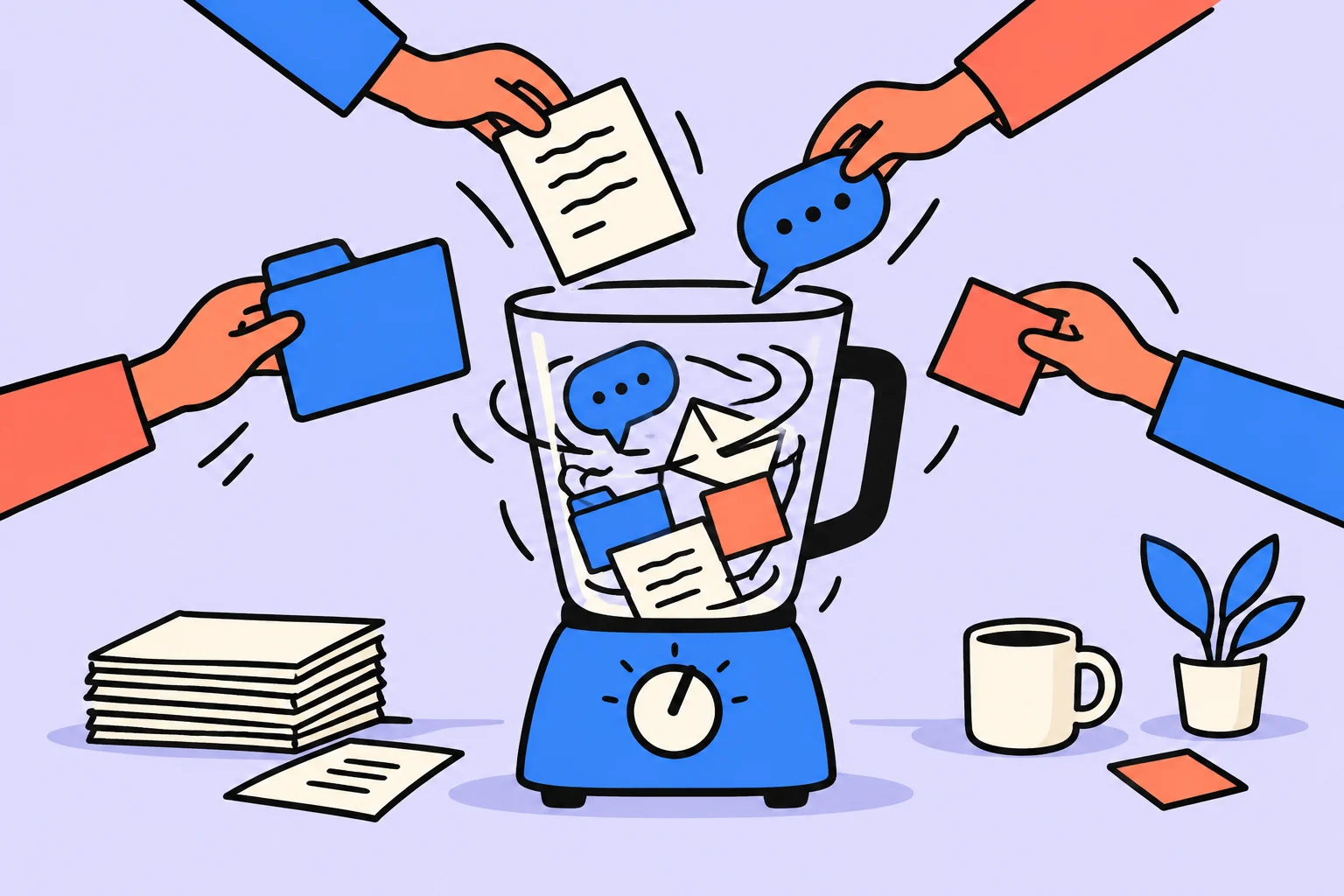
Multitasking often looks like simultaneous work, though a person is actually switching quickly between calculations, messages and a new request. Identify where you have to reconstruct the context and reduce unnecessary transitions. Not every combination of two activities is equally difficult or unsafe, however.
What do people usually call multitasking?
Distinguish performing activities simultaneously from switching frequently between tasks. Separate three situations: two activities at once, alternating tasks and a batch of similar actions. Different constraints may apply. Answering a chat while checking formulas, for example, differs from processing several emails in one window. The general term hides how the work is organized.
The APA review discusses task-switching research. Changing rules and requirements can add time and errors in experimental tasks. These findings cannot establish a personal cost for every notification or a universal percentage of lost productivity. For your own process, identifying recurring transitions matters more.
Where do switching costs arise?
Switching costs can arise when changing rules and restoring context; laboratory measurements cannot be applied to every reader. Trace one work episode: what were you checking before the interruption, what did you switch to and what did you have to recall afterward? If every chat reply means finding the same row again, you have a specific place to make a change.
Some switches are necessary. A doctor, dispatcher or person responsible for an urgent channel cannot simply shut off every signal. The task is then to define a response order and preserve the state of the main work. The role’s requirements matter more than advice to disconnect completely.
Working through an example
The following situation is invented for illustration; it is neither a user story nor a measurement of product effectiveness. Arthur is preparing calculations and replying to chat every few minutes. He loses his place while checking formulas. He sets aside a calculation window and batches replies afterward; urgent calls remain available. Listening to a familiar podcast on a walk is a different combination, rather than the same work experiment.
Arthur does not remove the urgent channel. He postpones only replies that can wait under the agreement. On returning to the calculation, he sees the recorded row and continues checking. He assesses the outcome through correct calculations and fulfilled communication commitments, rather than simply counting disabled notifications.
| Situation | Type | Decision |
|---|---|---|
| Formulas and chat | Frequent switching | A separate window |
| Similar email processing | A group of similar actions | A batch |
| Walking and a familiar podcast | A different combination of demands | Check safety and comfort |
How can you reduce switching?
Reduce unnecessary transitions by grouping similar actions and setting aside one protected work window. Group small, similar actions where appropriate: replying to non-urgent email, preparing documents or processing incoming items. Batching must not delay genuinely urgent matters. Agree on response times first if others have come to expect an immediate reaction.
Set aside one protected window for the difficult part. Prepare the data beforehand, define the completion criterion and leave a route for a genuinely important signal. Protection does not prohibit rest: a break may help recovery, while an incidental switch to another difficult task introduces a new context.
When is combining activities acceptable?
Some automatic activities can be combined, but safety and attention remain separate requirements. Check the new arrangement for ease of resuming, quality of results and necessary replies. If a protected window helped finish the calculation, that is a local observation. If urgent requests disappeared at the same time, you cannot attribute the whole result to one technique. Compare similar workloads and record differences.
Automatic activities can sometimes be combined more easily, but safety remains a separate requirement. A familiar podcast on a quiet walk and reading a message while driving cannot be bundled into one recommendation. Do not use “automatic” as permission to become distracted where you need to monitor your surroundings.
Checking the decision in your own situation
| Condition | Change | What to preserve |
|---|---|---|
| Chat interrupts formulas | Delay non-urgent replies until a reply window | The agreed response time |
| Urgent calls remain possible | Keep a separate channel | Availability when genuinely needed |
| Calculations were interrupted | Record the row checked | A clear return point |
| The window ended | Check calculations and incoming items | Quality and commitments |
Choose one task where you frequently have to restore the context. Group non-urgent incoming items, prepare the data and set aside a work window with a clear urgent exception. Afterward, check what changed in quality and ease of continuing, rather than trying to calculate a universal cost of multitasking.
Sources
Turn an idea into action
Was this helpful?
Rate the article and tell us what was missing. Your feedback goes to the Sinqly team and will not be published on the site.
Deep Work: a complete guide to deep, focused work
A complete guide to Cal Newport's Deep Work. How to practice deep work, 4 strategies, focus rituals, and the science of concentration.
Work breaks: how to rest between mental tasks
Match pauses to the type of workload, prepare your return to the task, and check which breaks help in your own work context.
Intrinsic and extrinsic motivation: which supports help your task
Distinguish interest, personal meaning and external pressure. Examine one task and choose a change to conditions within your reach.