Where to start
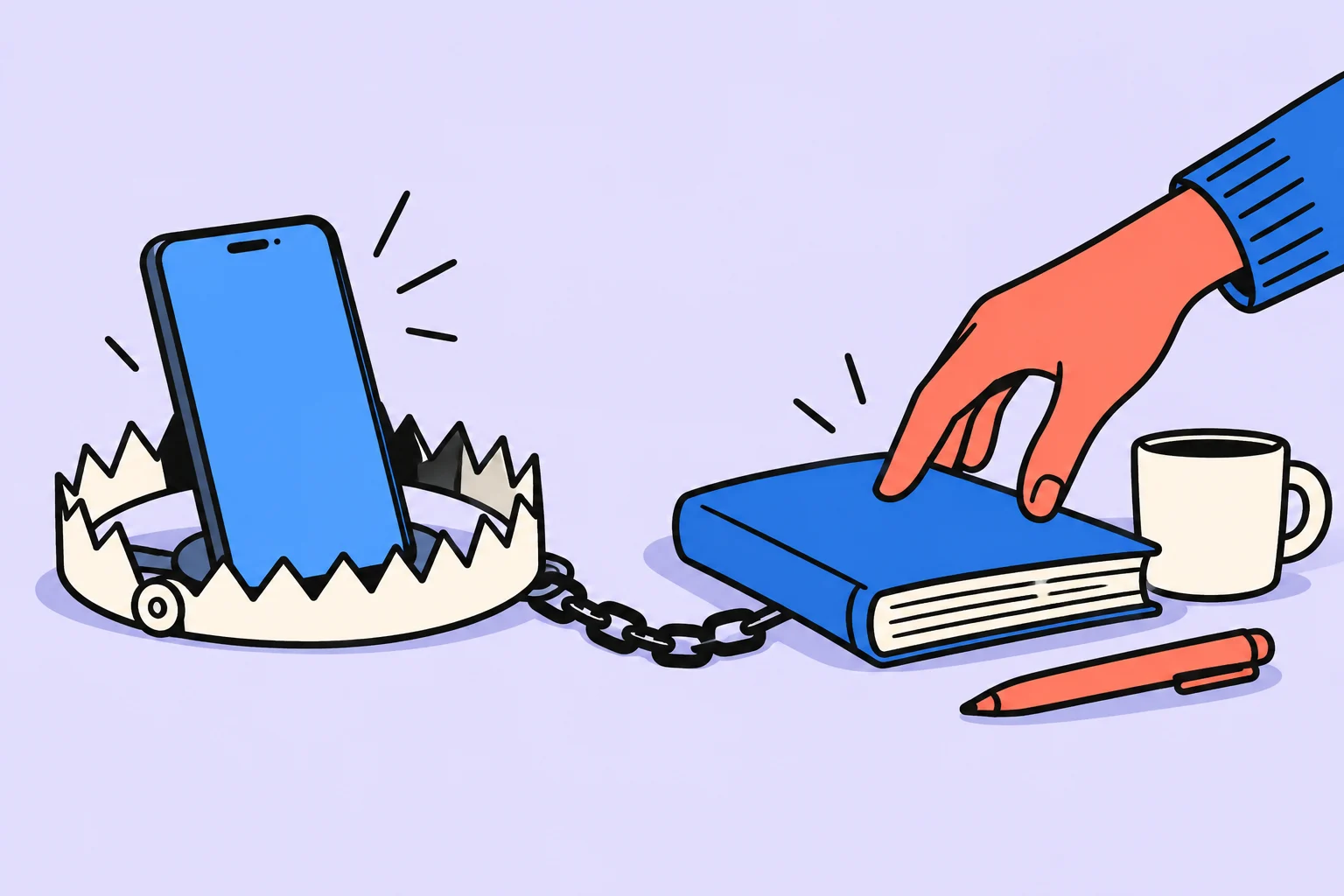
To spend less time on your phone, notice the moment you open it automatically as well as total screen time. A practical call, navigation and an endless feed serve different purposes. Choose one recurring episode and change the conditions in which you reach for the phone without deciding to.
What should you establish before setting limits?
Before setting limits, establish when you open the phone and which need you are trying to meet: contact, rest or escape from difficult work. Recall the last opening you regretted. What came before it: a difficult question, waiting, boredom, fatigue or an app signal? You need not immediately explain the behavior as a lack of willpower. Describing the trigger supports a better-fitting change than a general ban on using the device.
Ask which need the phone helped meet. If you need a pause, deleting an app completely does not create rest. If contact matters, turning off every notification may cause more checking. Distinguish necessary use from the entry you want to reduce; this helps keep the device useful.
What should you change?
Reduce unnecessary signals and quick access to the feed while preserving necessary communication. Remove one extra signal or shortcut. You can change one app’s notifications, remove it from the first screen or stop leaving it open after work. Android Help describes notification management, but names and capabilities depend on the phone. Check the setting rather than trusting a universal route from someone else’s screenshot.
Stothart and colleagues’ study concerned notifications and a laboratory attention task. It does not establish a screen-minute standard or diagnose addiction. A personal experiment can be simpler: unnecessary signals are off during specific work, while necessary calls remain available. Assess the result within that context.
Working through an example
The following situation is invented for illustration; it is neither a user story nor a measurement of product effectiveness. After a difficult email, Dasha automatically opens her feed. She keeps the phone available for calls, moves the social app icon and puts a list of short restorative breaks nearby. When she wants to open the feed again, she notices the trigger and chooses a walk or deliberate time in the app.
Dasha assesses one moment after an email rather than the entire day. Deliberately choosing ten minutes of entertainment differs from opening automatically without a decision. If habit still leads her into the feed, she can notice the trigger again and choose to leave or continue. One instance does not erase the experiment or require punishment.
| Trigger | Need | Alternative |
|---|---|---|
| A difficult email | A pause | Stand up and walk |
| Waiting for a call | Contact | Keep calls enabled |
| Evening boredom | Entertainment | Choose a time rather than endless opening |
What can replace automatic opening?
Choose a small alternative for the same need rather than banning all rest. Match a small alternative to the trigger. After a difficult email, you could stand up, pour water or look out of the window. For contact, choose a particular person and message rather than the general feed. The alternative need not be a new beneficial habit; sometimes you need an ordinary restorative break.
If you deliberately choose entertainment, set its boundary yourself. This does not mean every minute of rest must be justified by work. The distinction is whether you made a decision and want to continue. When you open the feed through inertia, a brief pause before entering helps pose that question.
How do you assess the result?
Assess the chosen use episode rather than labeling every high screen-time figure an addiction sign. Observe the chosen episode, not only the sum of all minutes. Travel or a work call may require longer phone use even though unwanted openings have decreased. The overall report provides context but does not automatically explain causes or quality of use. Do not conclude from one unusual day.
If monitoring gradually takes more effort than the use itself, simplify the experiment. One change across a few comparable cases is enough to start. For persistent difficulties affecting sleep, work or relationships, do not reduce everything to icon settings; discuss the situation with a qualified professional if necessary.
Checking the decision in your own situation
| Moment | New action | How to assess it |
|---|---|---|
| The email is sent | Notice the wish to open the feed | The trigger is visible |
| A pause is needed | Stand up and walk | Rest is actually chosen |
| Contact is needed | Message a particular person | The feed does not replace contact |
| The feed was opened anyway | Decide whether to continue | Do not erase the whole experiment because of one opening |
Choose one automatic entry: after an email, while waiting or before bed. Record its trigger, preserve the necessary communication method and remove one extra signal. Prepare a simple alternative. After several similar cases, check whether choosing an action has become easier without turning the phone report into a judgment of personality.
Sources
Turn an idea into action
Was this helpful?
Rate the article and tell us what was missing. Your feedback goes to the Sinqly team and will not be published on the site.

Bullet Journal: quick notes and deliberate task migration without decoration
A minimal Bullet Journal: tasks, events, notes and deliberate migration. A monthly review example without decorative requirements.

Deep Work: a complete guide to deep, focused work
A complete guide to Cal Newport's Deep Work. How to practice deep work, 4 strategies, focus rituals, and the science of concentration.

The Zeigarnik effect: what research says about unfinished tasks
What a 2025 meta-analysis says about memory for unfinished tasks. Distinguishing the Zeigarnik effect, resumption and planning.