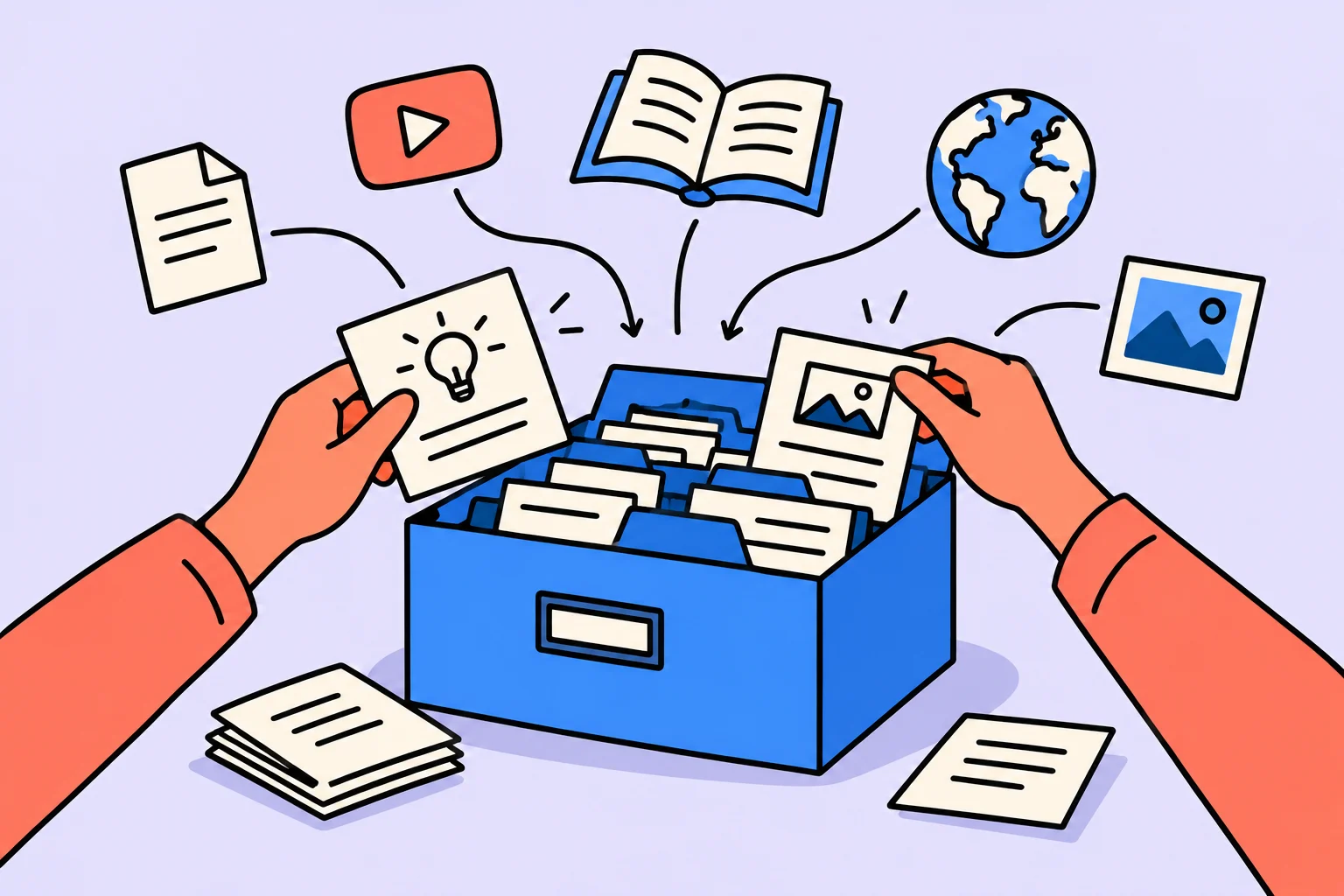
Where to start
A personal knowledge base is for returning to information during work, rather than storing every interesting link. Begin with a few notes: each answers a question, contains your own conclusion and preserves a path to the source. An ordinary folder, text editor or notes app can support this approach.
What is worth saving?
Save material needed for a real decision or recurring question rather than everything interesting. Name a recurring situation where you need information: preparing a business proposal, explaining research limitations to a client or choosing a report format. The base will be more useful if you can picture the moment of consulting it. “Save everything about development” defines neither a search nor a result.
Before saving, ask which question the material will help resolve. If there is no answer yet, leave the link in a temporary inbox or do not save it at all. That is not a loss of knowledge. A base where necessary and incidental material cannot be distinguished gradually recreates the overload it was meant to address.
How should you structure a note?
For a new note, name the question, briefly record your conclusion and preserve the primary source and date. Build the title around a question or action. “Interesting — March” does not explain the content. “How to show a small survey’s limitations” helps find the note in the next project. A brief conclusion in your own words, a source and an application example are enough; a full retelling of every article is optional.
Separate your conclusion from the source data. State where your application begins: “For my slide, this means…” If the source changes, add a check date. Otherwise, a note with convenient wording can quietly become outdated guidance, especially in technical, medical or legal matters.
Working through an example
The following situation is invented for illustration; it is neither a user story nor a measurement of product effectiveness. Anna collects material for client presentations. Instead of twenty links “About presentations”, she saves a note, “How to show research limitations”: three points of her own, an article link and a slide example. In the next project, she searches for the question and checks whether the source is current.
Anna separately writes in her conclusion: “A small survey describes participants’ replies, rather than all clients”. Beside it, she saves the primary material used for that conclusion. In the next project, she adapts the wording to the new sample and checks for contradictions with the source. The title remains a working question, so she can find it even without remembering the article’s author. The full presentation is stored separately: the base helps reconstruct a decision rather than duplicate every project file.
| Field | Example |
|---|---|
| Question | How do I show research limitations? |
| Own conclusion | Name the sample and limits of generalization |
| Source | Link, author, date |
| Application | A slide about survey results |
| Check | Before the next use |
How do you organize search?
For search, use a few clear contexts and meaningful names rather than a deep folder hierarchy. Begin with a few understandable contexts: current projects, reusable topics and an archive of completed work. This is a working arrangement, rather than a universal classification of the world. There is no need to create dozens of empty folders in advance or buy a tool merely because it promises to organize everything.
Tiago Forte’s guide connects saving information with later use. It describes a practical method rather than proving that a particular notes system improves everyone’s outcomes. A small version is proposed here: find material through a task and turn it into your own brief aid.
When should you delete and update?
Check notes when using them, archive outdated material and merge repetitions. Update a note when you need it. Check the link, refine the conclusion through new experience and remove duplication. This review responds to an actual need. Compulsory daily cleanup of the entire base can become extra work that does not help the current project.
Do not store sensitive data merely because an app is convenient. Separate work materials, other people’s personal information and your ideas; consider access and backup rules. A safe note without client secrets is enough for a first attempt. Easy search does not remove the need to understand who can see an entry.
Checking the decision in your own situation
| Part of the note | Content | At the next use |
|---|---|---|
| Title | How to show a small survey’s limitations | Find through the working question |
| Anna’s conclusion | Describe the sample and do not generalize to everyone | Check applicability to a new survey |
| Application | A slide with the result and limitation | Update for the new project |
| Provenance | Author, primary source and check date | Open the original explanation |
Create one note about a question you recently returned to. Record your brief answer, primary source and intended application. Then try finding it by title without scanning the entire folder. If the note helped with real work, add more; otherwise, first revise the question or structure.
Sources
Turn an idea into action
Was this helpful?
Rate the article and tell us what was missing. Your feedback goes to the Sinqly team and will not be published on the site.
Dopamine and motivation with ADHD: using neurochemistry for productivity
How the dopamine system works with ADHD. 7 strategies for managing motivation through neurochemistry: gamification, stacking, micro rewards, and physical activity.

How to use AI to improve your life
How to use AI in everyday life: planning, habits, coaching, and emotions. A step-by-step guide with examples and tools.

The Wheel of Life: What It Is, How to Complete It and How to Use It
A complete Wheel of Life guide. 8 areas, step-by-step instructions, life-area ratings, interpreting results and a free online assessment.