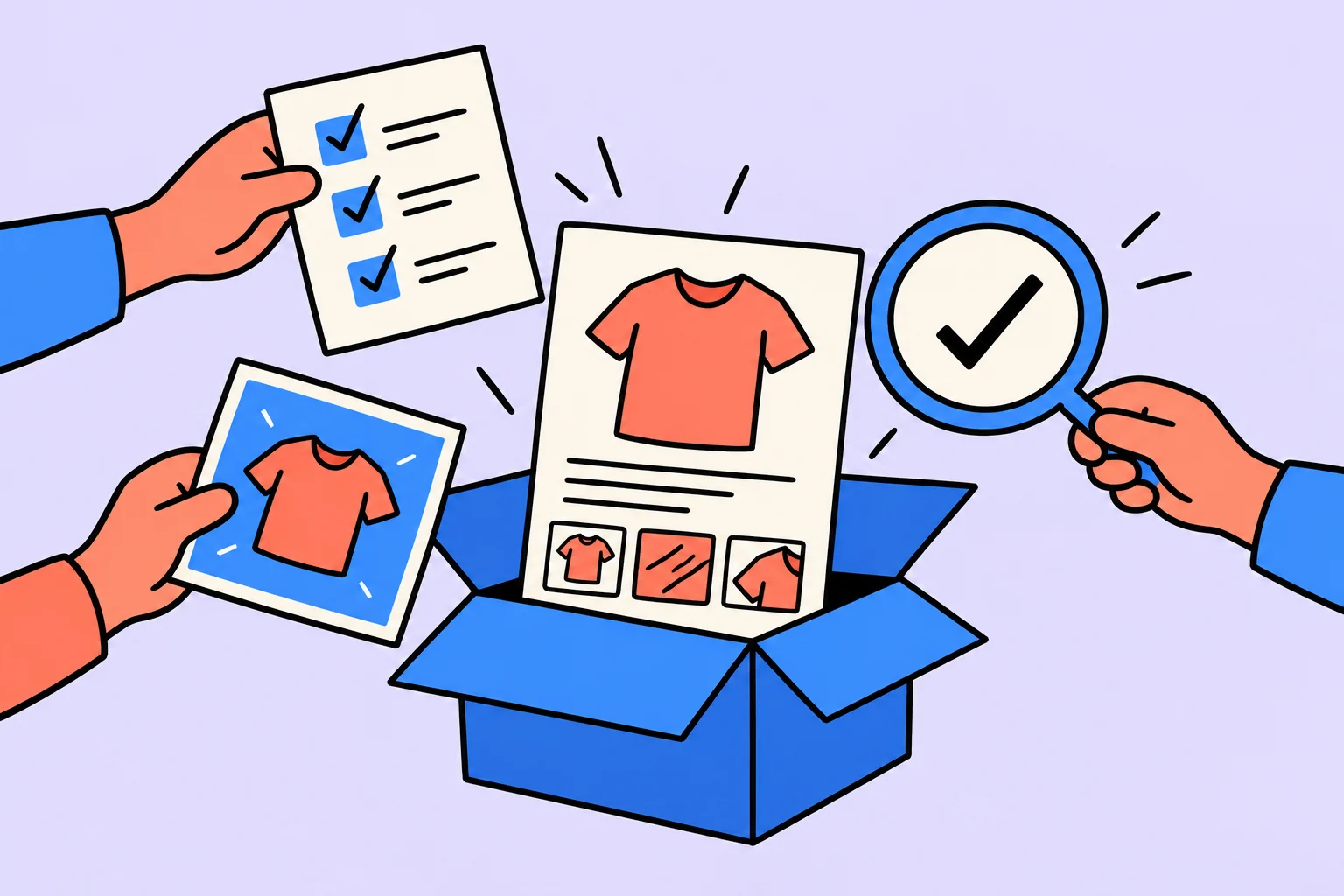
The listing starts with the product, rather than an attractive prompt
To make a product listing with AI, first gather specifications, real photographs and buyer questions. Then ask AI for the structure and copy. Check the image, description and specification table against the same product sheet: different dimensions or contents give the buyer a contradictory offer.
Our practice product is a fictional desktop phone stand. We will prepare text and a five-image plan; real photographs and marketplace publication are outside this example. AI did not measure the object or test its stability. “Fits”, “Supports” and “Protects” cannot be inferred from appearance alone.
Create a product sheet and separate unknown properties
| Property | Source fact | Editorial decision |
|---|---|---|
| Material | Painted plywood, 6 mm thick | Do not call it solid wood |
| Assembled dimensions | Width 8 cm, height 12 cm, depth 10 cm | Repeat consistently in the diagram and specifications |
| Slot | 13 mm wide | Do not promise compatibility with every case |
| Contents | Two stand parts | The pictured phone is not included |
| Color | Dark green | Check against a real sample under neutral lighting |
| Load and coating | No tests performed | Do not write “Does not scratch”, “Non-slip” or “Supports a tablet” |
Every fact needs an owner: a measurement, manufacturer instructions or package contents. If the supplier vaguely says “Universal”, clarify the compatibility range or remove the claim. Do not ask AI to fill missing specifications from similar products: that creates a plausible listing for something else.
A complete assignment for copy and the visual plan
“Prepare a draft listing for a desktop phone stand using the product sheet below. Provide a neutral name without advertising superlatives; a description up to 100 words; specifications; and a five-image plan with a caption and source for each fact. Product sheet: painted plywood, 6 mm; dimensions 8×12×10 cm (width×height×depth); 13 mm slot; two parts; dark green. Load capacity, anti-slip properties and tablet compatibility are untested. Do not add properties by analogy, reviews, certificates or guarantees. The phone is not included. For unknowns, write ‘Needs clarification’. Do not invent platform rules: put them in a separate check before publication.”
If editing an existing listing, preserve its current version first. Compare changes in meaning: has a limitation disappeared or a new promise appeared? Check short photo captions as well as the polished description: unsupported “Eco-friendly”, “Safe” and “For every phone” often appear there.
Completed practice copy and a useful promise boundary
Name: “Desktop phone stand, plywood, dark green”. Description: “A two-part stand for placing a phone on a desk. Assembled dimensions: width 8 cm, height 12 cm, depth 10 cm. Made from painted plywood 6 mm thick. The slot is 13 mm wide: before buying, compare this with the thickness of your phone and case together. The package contains two stand parts; the phone in the illustration is an example and is not included.”
This provides information for a buying decision but no promise of perfect compatibility. Even matching thickness to slot width does not establish stability: device shape and weight distribution matter. If you have not tested the combination, retain the measurement rather than turn it into a guarantee. For a real product, check wording with the manufacturer and category requirements.
An image plan: each frame answers a question
| Frame | What to show | What to check |
|---|---|---|
| Main | The real product against a calm background | Color, geometry and contents are unchanged |
| Dimensions | Three dimension lines with units | Recheck axis correspondence: 8×12×10 cm |
| Compatibility | A close-up of the 13 mm slot | Do not replace a measurement with a promise for all models |
| Contents | The two parts separately | Show exactly what the buyer receives |
| Assembly | The sequence for joining parts | Check on a physical sample that the steps can be performed |
Generation may suggest a background or composition, but the object, proportions and details must remain accurate. Lettering and dimension lines are easier to assemble as separate editable layers. After changing the background, enlarge the object’s edges: have extra feet, ports, rounded corners or a different shade appeared? An attractive synthetic object does not replace a photograph of the item sold.
Check the listing against your platform’s rules
Wildberries guidance on search results emphasizes that the title, photographs, description and specifications must match the product. This supports consistency checks rather than promising a search position. Rules differ by platform and category; before uploading, open the current instructions for your particular seller account and product type.
- Check permitted fields, image format and copy restrictions in the platform’s current guidance.
- Compare every number with the product sheet: dimensions, weight, quantity, material and compatibility.
- Remove words lacking evidence even if competitors use them.
- Check the listing on a phone: dimensions and important limitations are readable without zooming.
- Open the final uploaded version: image cropping and frame order may differ from the editor.
What counts as ready, and what should be measured next?
The listing is ready for review when every important claim has a source, all product representations agree and advertising copy does not disguise unknown properties. “AI wrote the description” is an intermediate stage. A person able to compare the listing with the real product performs the final check.
After publication, record questions revealing confusion about contents and dimensions, return reasons and available listing statistics over equal periods. Increased sales cannot be attributed to one text without accounting for price, stock, advertising and seasonality. If data is absent, record which check cannot yet be performed. In the next version, fix observed misunderstanding rather than add more keywords.
Sources
Frequently asked questions
Can I generate the entire product photograph?
For a visual idea, yes, if the chosen tool supports it. For a listing, the object’s accuracy needs a separate check. Generation does not confirm color, material, package contents or performance properties.
Which service is best for listings?
Choose according to the required result: copy, an editable layout or photo editing. This article does not compare service prices or quality: no comparative trial was conducted.
Turn an idea into action
Was this helpful?
Rate the article and tell us what was missing. Your feedback goes to the Sinqly team and will not be published on the site.

How to create an app with AI: an educational MVP from scenario to testing
Build a specification for a personal request log: screen, data, browser storage, errors, and testable acceptance criteria for a small MVP.

How to make a presentation with AI: structure, slides, and fact checks
An educational service-presentation example: prepare materials, obtain an outline and slide draft, and check figures and file usability before sending.
How to create a website with AI: a local browser prototype
One HTML file without environment setup: an AI brief, educational example, opening it in a browser, and fixing an error. Publication and complex features are separate stages.