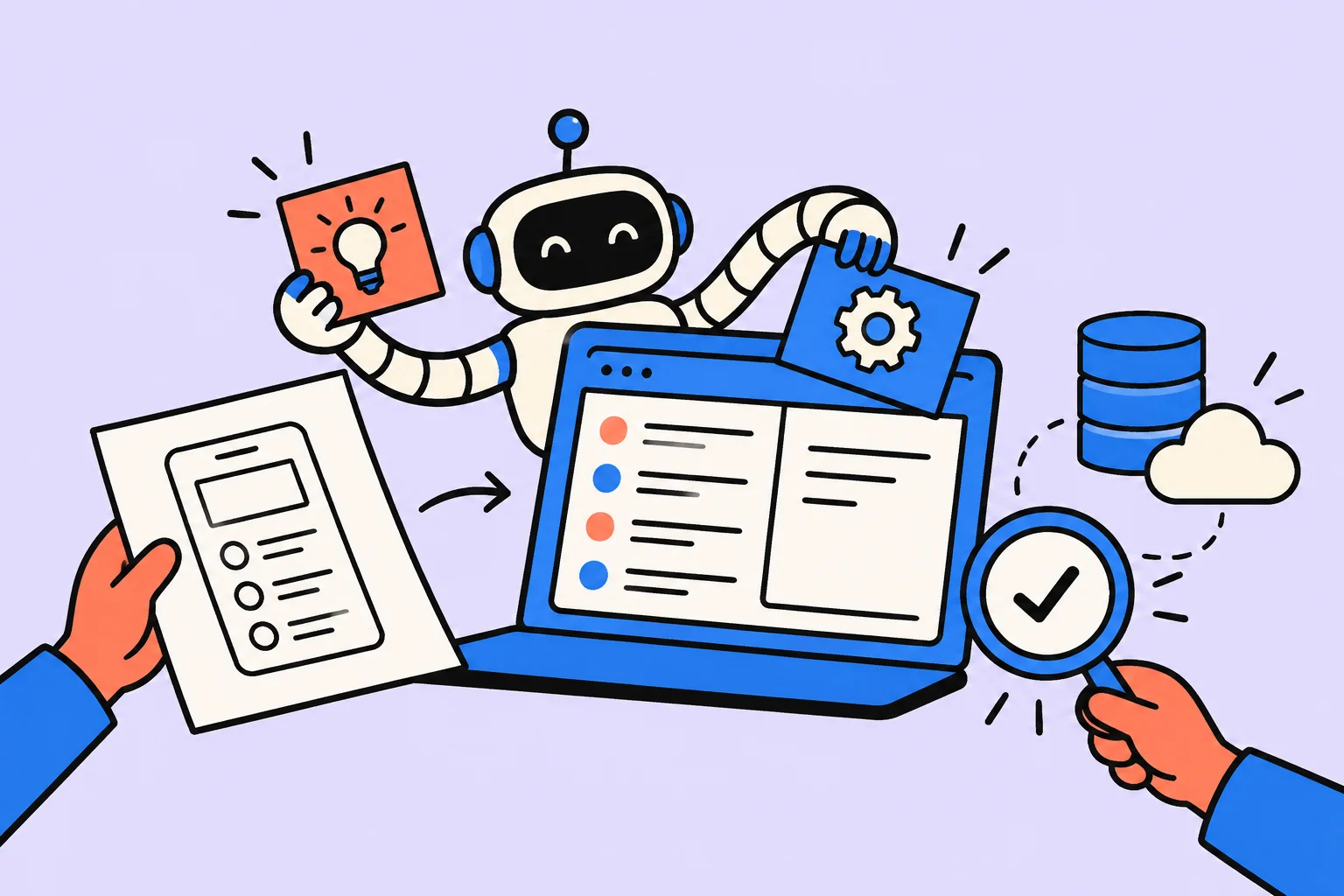
How to create an app with AI: start with one complete scenario
To create an app with AI, first define an action a person can complete without an explanation. Our example is a personal incoming request log: a freelancer records a short request, sees it in a list, and marks it as answered. It helps them remember inquiries and distinguish new ones from those already handled. Registration, payments, and automatic messages are outside this version.
An MVP is a minimal version used to test usefulness. A demo can show a possible screen; an MVP lets you walk through a scenario and notice what helps or gets in the way. This is not yet a client database or a product ready for a team. A small feature scope reduces the number of assumptions, but it does not remove the need to test errors and storage.
Below is an educational specification, data model, and acceptance criteria. This is not a report of an app actually being run: the code has not been published or tested in your browser. Ask AI to prepare the project, preview, and checks. All names and requests in the example are fictional.
- Input
A short practice request
- Validation
Empty field and length
- Storage
One record in the browser
- Work
New → answered
- Acceptance
Returning and errors
Which AI can you use to create an app?
Look for an environment with a clear workflow for project files, startup, and returning to a previous version. A chat can provide code, but moving the files and running it are separate steps. If you cannot run a project yourself, start with an environment that provides a preview and ask for the source files and startup instructions. A convincing chat response is not an open, working screen.
The official Cursor documentation describes Agent editing code and running commands: this is a route through an editor and a project, rather than file creation proving correctness. Replit Agent offers an online route described in its official documentation. Before starting, check the selected mode, your account's limits, and source export. This article does not promise that these options are free or offer identical capabilities.
| Route | What to prepare | What to check before starting |
|---|---|---|
| AI in an editor | A separate folder and a clear way to run it | Where the files are, how to open the preview, and how to save a version |
| An online AI environment | A practice project without personal data | How to run the preview and export the source |
| A chat that provides code | An environment to put the generated files in | Whether you can run and fix the project yourself |
Creating an app online with AI means using a browser development environment; it does not automatically mean publishing it for clients. A preview, a public website, and an installed app are different things. A small browser tool is enough for a first step. Android and iOS stores have separate requirements and checks, which this example does not cover.
Describe the data and screen before asking for code
The first screen should answer three questions: where to record a request, which requests still need a reply, and how to mark completion. Put a “Request” field and an “Add” button at the top. Below them, place an “All / New / Answered” filter, the number of new records, and the list. Show each record's text, date added, and status. The “Answered” button changes only the status; the app does not send a reply to the client.
For this practice version, agree on text from 1 to 300 characters after trimming spaces at the edges. One user works in one tab in one browser profile. Each new record receives its own identifier and the status new. Clear the field only after a successful save. Deletion, attachments, import, and synchronization are outside the first version: they would increase the number of cases to test.
| Field | Example | Rule |
|---|---|---|
| id | demo-001 | A unique identifier; not the row number on screen |
| text | Need a cover for a practice presentation | From 1 to 300 characters after trim; display as text |
| status | new | Only new or answered |
| createdAt | 2026-10-07T10:00:00Z | Time added; a human-readable date on screen |
Two identical texts can represent different requests. Do not automatically remove a record just because its text matches another. However, pressing the button twice should not create two records from one action. Ask AI to propose explicit protection against duplicate saving and explain how it behaves; then test a quick double-click. This is a small but important distinction between matching data and a repeated action.
The first AI prompt and the build sequence
Give the model the full specification instead of asking it to “make a beautiful CRM.” You could start with: “Prepare an educational single-user browser app called ‘Request Log.’ It needs a text field, adding a record, a list, a status filter, and an ‘Answered’ button. Use only fictional data. Do not add a server, accounts, analytics, AI calls inside the app, or message sending. First propose the files and a way to run them, then the implementation and a test table.”
In the next message, define error behavior: “After trimming spaces at the edges, the text must be nonempty and no longer than 300 characters. If saving fails, keep the entered text in the form. Do not show success before the data is written. If storage is corrupted, do not overwrite it with an empty list without the user's decision. Display user text safely, without interpreting HTML.” Ask it to name every assumption, especially about storage.
- First obtain the project structure and startup instructions. Do not change the stack and the user scenario at the same time.
- Test adding one record without filters or decoration. Compare the result with the expected screen.
- Add status changes and the filter. Check that the new-record count updates.
- Connect saving and restoration. Then test write and read errors.
- Finally, test long text, keyboard use, and a narrow screen. Save the checked version separately.
If something fails, send the exact input, steps, and difference from the expected result. For example: “I added a record, marked it answered, and reloaded the tab; it is new again, but I expect the saved status.” This makes the investigation causal. After a fix, repeat both this case and ordinary addition. Do not treat the model's “fixed” message as a test result.
Browser storage: a convenient limit for the practice version
For this small example, you can choose localStorage: records persist between visits in the same browser. Storage is tied to the origin: protocol, domain, and port. A different preview address means a different storage space. Test persistence at one stable preview address. Opening HTML through file: does not provide reliably identical storage behavior across browsers.
localStorage is not an account, synchronization, or a backup. Clearing browser data can remove records, and private mode can impose restrictions. Use fictional requests without passwords, keys, or sensitive client information. The list will not automatically appear on another device. Explain this beside the list, rather than only in technical documentation.
Use the incoming-demo-v1 key and a schema with a version and an array of records. After parsing JSON, validate the types and allowed statuses. If data is corrupted, show an error and leave the original content intact until an explicit reset. If writing fails because of storage restrictions, keep the form input, allow a retry, and do not claim that the record was added.
Web Storage operations are synchronous. A small list fits this example; a large stream does not. Multiple tabs are outside this version: one could overwrite another's changes. Multiple users, a shared database, access control, and backups require an architecture change.
Acceptance table: input → action → expected result
Clear only this educational project's storage. Record the URL, browser, and file version. The table lists expected behavior, not passed tests: record actual results and errors separately. Prepare two fictional requests: “Need a cover for a practice presentation” and “Clarify the format of a practice landing page.” Do not use real clients or deadlines.
| Input / condition | Action | Expected |
|---|---|---|
| Ordinary text | Add the first record | One new record; field cleared; new count 1 |
| Spaces only | Press “Add” | A clear error; no new records |
| 301 characters | Try to save | A length error; input remains |
| One new record | Press “Answered” | Status answered; new count 0; nothing sent |
| An answered record | Reload the same address | Text and status restored |
| Two different records | Select the “New” filter | Only new records visible; the others are not deleted |
| A quick double-click | Add one entered request | One record for this action |
| The word “Practice” with bold HTML tags | Add a record | Literal characters are visible; HTML is not executed |
| Writing is prohibited or fails | Save a record | An error message; input preserved; no success shown |
| Corrupted JSON | Open the app | A clear error; original storage not overwritten |
A storage error requires a separate testing method, rather than a guess. Ask AI to add a practice check that replaces the write operation with a function that throws an exception, and explain how to restore ordinary behavior. Do not fill a working browser with unrelated data for an experiment. For corrupted JSON, change only the incoming-demo-v1 key in the practice project. After the test, restore the original content or explicitly reset the practice data.
Two more manual passes test usability: add a request using the keyboard without a mouse, then open a narrow window. Labels should remain visible, an error should explain what to do, and a long record should not cover the status button. Testing the scenario matters more than matching a picture. If a user has to ask whether the record was saved, clarify the message before moving on to styling.
What counts as a finished MVP, and what comes next?
The first version is ready for limited educational use when the ordinary scenario and negative checks pass on the specified version, the source files are saved, and the storage limits are clear. Then ask one person to complete three actions using the instructions: add a request, find new records, and mark one as answered. Watch where they stop. Do not offer hints in advance, or you will test your explanation instead of the interface.
Measure usefulness separately from technical correctness. For example, over several practice sessions, note how many records you forgot to enter, how often you searched for a record, and how many actions processing required. These observations can suggest the next feature: search, text editing, or backup export. Do not add everything at once. For each feature, write down the new action, expected result, and an error case.
- Personal experience
One tab, fictional records
- Feedback
Are adding and statuses clear?
- A new need
A team, shared data, or important history
- Separate work
Authorization, server storage, backups
- New acceptance tests
Permissions, recovery, and real conditions
If a team needs the log, it will require separate users and permissions, server storage, data protection, and recovery testing. If you need real requests, first decide which data may be collected and who can access it. This is a separate stage that cannot be replaced by an AI promise that it is “ready to launch.” In Sinqly, you can turn a discovered bug into a task with input and acceptance criteria, so the small MVP develops through testable changes.
Sources
- Cursor: Agent capabilities in a project
- Replit: official Agent documentation
- MDN: localStorage and address/browser-mode restrictions
- MDN: Storage.setItem write errors
- MDN: Web Storage and synchronous operations
- Read also: Vibe coding: what it is and how to build your first useful prototype
- Read also: How to create an AI agent: first scenario, tools, and testing
Frequently asked questions
Can AI create an entire app?
AI can prepare files and fix code. Readiness is established by running the app and testing behavior, storage, and errors, rather than by the model's message.
Can you create a mini app with AI without a server?
A limited personal browser tool can work without a server. localStorage does not provide a shared database, synchronization, or backups.
Is this a guide for a mobile app or Telegram Mini App?
No. This example is an ordinary educational browser log. App stores and Telegram require separate routes.
How do you know that the MVP really works?
Run predefined ordinary and negative scenarios on the exact version, record the results, and show it to someone without verbal hints.
Turn an idea into action
Was this helpful?
Rate the article and tell us what was missing. Your feedback goes to the Sinqly team and will not be published on the site.
How to take notes: main ideas, connections, and checking questions
Lecture or reading notes that support learning: what to record, how to mark uncertainty, and how to turn material into questions. A complete worked example.
How to create an AI agent: a first scenario, tools, and checks
Build a simple AI agent to review a request: prepare a reference catalog, restrict actions, and check replies against five educational inquiries.
How to create a website with AI: a local browser prototype
One HTML file without environment setup: an AI brief, educational example, opening it in a browser, and fixing an error. Publication and complex features are separate stages.