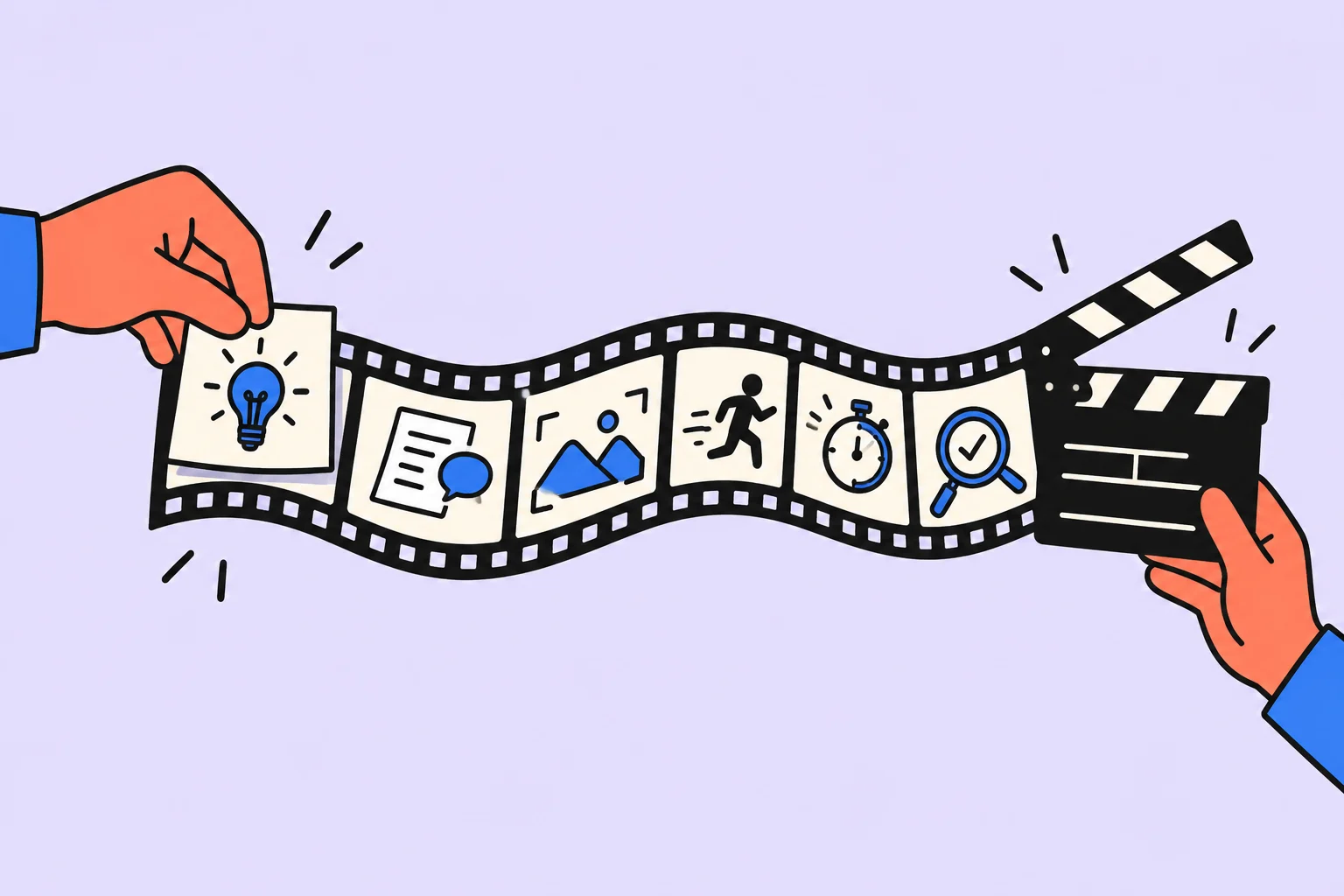
First decide which video you can actually shoot
AI can write an impressive script with a drone, extras and an expensive location even when you have only a phone and desk. Begin with the viewer’s outcome and production constraints. The script needs clear onscreen actions, necessary objects and a way to show the promised result, as well as dialogue.
We will examine a practice video about preparing a desk for one task. Constraints: one person, a supported phone, one desk, no purchases and no filming other people. The viewer’s goal is to repeat the preparation at home in a few minutes. This is a shooting script rather than generation of a finished video; actual duration becomes known after reading and editing.
Prepare a short production brief
| Parameter | Decision |
|---|---|
| Main idea | Keep only the materials for your next action in front of you |
| Viewer | Someone who sits down to work but gets distracted by neighboring tasks |
| Result | A prepared desk and a written next action |
| Format | A 45-second guide, vertical video, speech and close-ups |
| Resources | Phone, support, desk, paper and pen |
| Constraints | Do not promise percentage productivity gains; do not show personal documents |
One idea does not mean a simplistic video. It helps choose what to remove: the desk-purchase story, a review of ten apps and a long explanation of motivation. Anything that does not help viewers perform the demonstrated action can move to another piece. Duration is an initial frame rather than a proven attention-retention method.
A model assignment you can use immediately
“Write a practice vertical-video script aiming for 45 seconds. Topic: prepare a desk for one task. One person, a supported phone, an ordinary desk, paper and pen; no purchases, other locations or extra actors. The goal is for viewers to repeat three actions: remove unnecessary materials, lay out what is needed and write the next step. Give a table: time interval, shot and action, exact spoken line, onscreen text. Start with a recognizable situation, show actions and finish by checking the result. Add no scientific promises, efficiency percentages or invented reviews. Separately list props, difficult shots and what to check by reading aloud.”
If you need opening variants, keep the middle unchanged. For example, compare a question-led opening with an action-led opening. You can then assess which introduces the situation faster without reshooting the entire video for several different scripts.
A worked script with spoken lines
| Time | Shot | Speech and screen |
|---|---|---|
| 0–6 s | A wide shot of a desk with several piles | “Sat down to write a report, but five other people’s tasks are in front of you?” Onscreen: “One task on the desk” |
| 6–15 s | Hands gather unnecessary sheets into a separate pile | “Remove what you will not need for the next step. Do not throw it away: just put it aside.” |
| 15–24 s | One necessary sheet and a pen are placed on the desk | “Keep the input data and the tool you will use.” Onscreen: “Only what is needed now” |
| 24–35 s | A close-up of a hand writing on paper | “Write the action: not ‘Do the report’, but ‘Check three totals in the table’.” |
| 35–45 s | A shot of the prepared desk, then work beginning | “Now it is clear where to start. Try preparing your space for your own next action.” |
The script does not promise that a tidy desk solves overload or concentration difficulties. It shows a small preparation operation. Onscreen text supplements the image rather than duplicating an entire long line. For viewers watching silently, subtitles convey speech separately.
Turn the script into a shot list
Adobe describes a shot list as a list of shots that helps gather footage for editing. Our example needs five entries: the wide view before, removing unnecessary items, necessary materials, writing the action and the wide view afterward. They can be filmed in the most convenient order rather than the final video’s order.
- Film the wide “Before” view first, while the desk is still untouched.
- Record close-ups of hands and objects with a consistent movement direction.
- Film the blank sheet before writing and a few seconds afterward to leave editing room.
- Check sharpness and legibility before moving objects.
- Record speech separately in a quiet setting or use your chosen voice-recording method; do not treat script text as a finished voiceover.
Before filming, remove names, addresses, conversations and work documents from the frame. This is part of preparing that specific shot rather than a reason to reshoot the whole scene later. If an object cannot be shown close up, change the explanation in the script first.
Check speech, duration and evidence
Read the lines at a natural pace with a stopwatch, leaving pauses for actions. If speech does not fit, remove a secondary idea first. Speeding up all audio often makes instructions less usable: viewers need time to connect words and actions. Do not declare a script “Exactly 45 seconds” from its word count.
List factual claims separately. In our example, these describe visible actions rather than research findings. For a product review, check features against the actual version; for a learning experiment, show the conditions. AI should not add “Scientists have proven” to strengthen the opening.
Accepting the video before publication
| Check | Expected result |
|---|---|
| Watch without sound | Subtitles are readable; actions are clear |
| Watch on a phone | App controls do not cover the text |
| Repeat the instruction | The viewer understands the three-action sequence |
| Compare script and edit | A removed qualification does not change the meaning |
| Final file | The start and finish are not cut off; sound and image agree |
Ask one person to explain what they will try after watching. If they remember only an attractive opening, clarify the main action. This is a qualitative comprehension check rather than audience-retention research. After publication, assess metrics separately: differing topics, impression sources and audiences prevent attributing results to one script.
Sources
Frequently asked questions
Can I ask AI to generate the video immediately?
That is a separate process. This material helps prepare a script and shooting plan; generator capabilities, material rights and result accuracy need separate checks.
How do I determine the duration needed?
Start with the amount of action shown, then check through reading and a rough edit. If instructions need more time, change the format rather than hide an important step.
Turn an idea into action
Was this helpful?
Rate the article and tell us what was missing. Your feedback goes to the Sinqly team and will not be published on the site.

How to make a presentation with AI: structure, slides, and fact checks
An educational service-presentation example: prepare materials, obtain an outline and slide draft, and check figures and file usability before sending.
How to create an AI agent: a first scenario, tools, and checks
Build a simple AI agent to review a request: prepare a reference catalog, restrict actions, and check replies against five educational inquiries.
How to create a website with AI: a local browser prototype
One HTML file without environment setup: an AI brief, educational example, opening it in a browser, and fixing an error. Publication and complex features are separate stages.