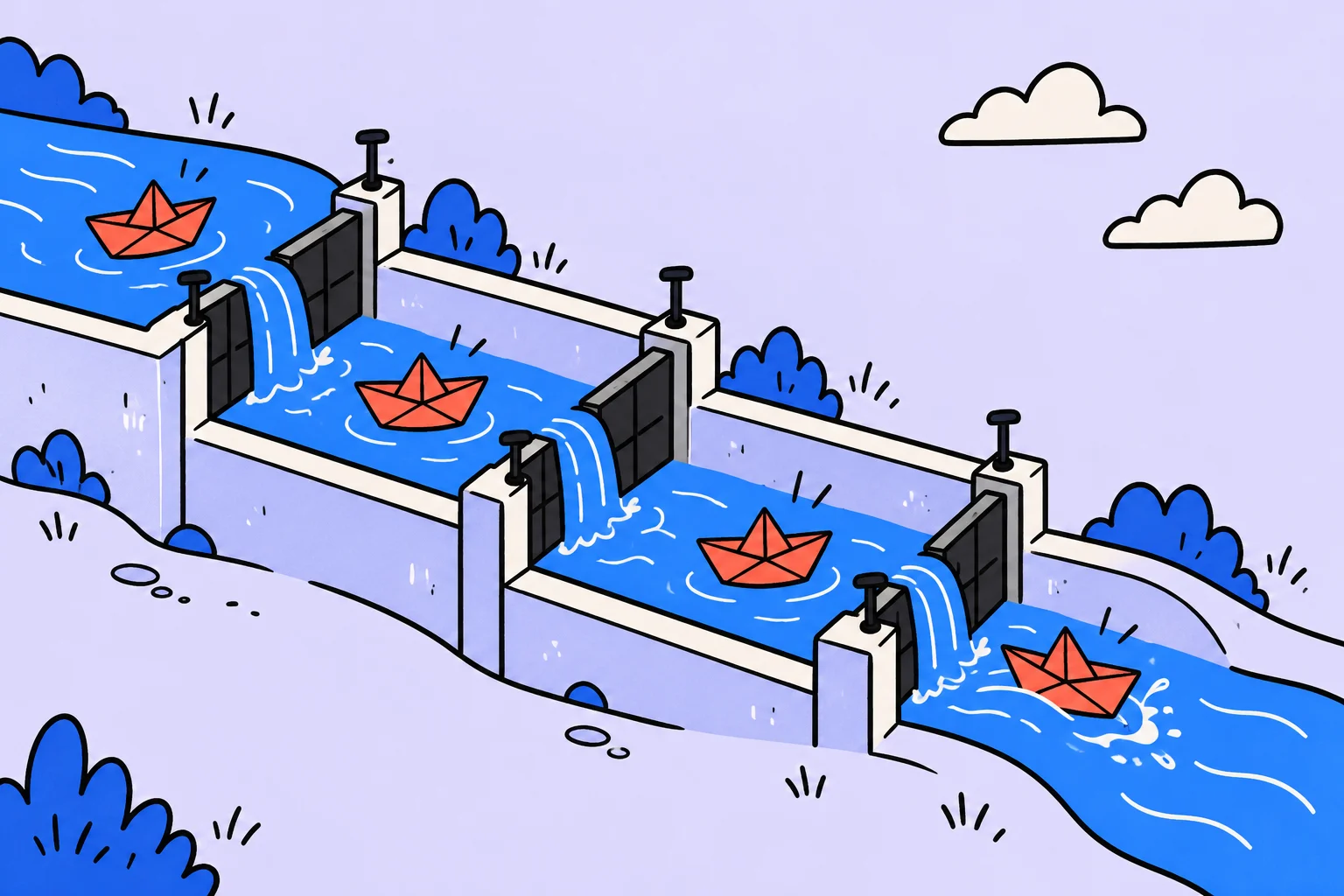
How to read this comparison
This article was prepared by the Sinqly team: we have an interest in developing our service and state that openly. There are no paid placements, invented scores or universal winner below. Competitor features were checked against official pages on October 10, 2026. Reading documentation does not replace a personal trial on your device.
Limits, payment methods and availability can change. Before buying, open the pricing page and check the function in the plan you intend to use. We distinguish documented capabilities from an illustrative way to test them: the results depend on your work.
A column should describe the state of work
A board is useful when its columns describe the state of an item. “In progress” should not mean “waiting for a reply,” “I might start someday” and “finished but nobody has checked” at the same time. Agree on the meaning of stages before comparing apps.
- Ready to start
The topic, source material and person who will take the task are known.
- Preparation
The writer is working on the piece, rather than simply storing a card in the column.
- Review
The reviewer can access the draft; feedback returns to preparation.
- Done
The agreed conditions are met and the result can be used.
In this illustrative example, the editor asks for a headline change. Moving the card back to preparation is a normal update of its state, rather than a team failure. If a task is waiting for an external reply, make that visible and set a time to check it.
Which limits to compare before moving
| Criterion | Trello | Sinqly |
|---|---|---|
| Boards and participants | The Free plan lists up to 10 boards per Workspace and up to 10 Workspace collaborators. Check the current plan again. | Test your own set of projects and participants in the service. This article does not claim equal numerical plan limits. |
| Work overview | The main workflow uses boards and cards; additional views depend on the plan. | Check a task and the weekly view on your phone and computer. |
| Archive and migration | JSON and CSV export differ in their capabilities and plan requirements. | There is no promise of automatically importing Trello boards, comments and attachments. |
If your team depends on a specific Trello automation or integration, make it a requirement. Do not replace a test with an assumption that any task manager can do the same thing. A convenient board may not be enough without the action your workflow needs.
What to test in Sinqly with one card
Take the task “Prepare a publication.” Describe the piece, where the source material is stored and what the editor will check. Set the date for the next action. Then ask a participant in the exercise to open the task and explain what to do next.
Look at your week: does the task queue hide conflicting deadlines? A visually tidy board may contain more work than fits in the available days. Check the state of work and the actual capacity of your schedule separately.
Move the workflow, not just card titles
- Describe the meaning
Write down what the columns mean and who can consider work finished.
- Take one example
Choose a card with a description, participant, deadline and attachment.
- Check for losses
Compare the text, access, discussion history and original files.
If a discussion remains in the old tool, keep a link and agree where new decisions will be recorded. Two active cards without an owner can quickly diverge in status. Close the old record only after checking the result and agreeing with the team.
When a move is justified
A move makes sense if the new arrangement resolves a concrete difficulty: people find the next step more easily, see deadlines more clearly or lose source information less often. Changing card colors does not demonstrate that result.
Run a small pilot with one project. Record difficult cases: waiting for a reply, returning work for revision or a sudden date change. These reveal whether the tool fits real work better than a simple create-and-close task example.
More questions to clarify
Can I try Sinqly for free?
Creating a Sinqly account is free. This does not promise that every current and future feature is free: check the terms for individual functions in the service.
Can I automatically move all my data from another app?
This article does not claim automatic importing into Sinqly. Start by manually moving a few active tasks. Keep the original archive and separately check descriptions, dates, attachments and access.
Was this helpful?
Rate the article and tell us what was missing. Your feedback goes to the Sinqly team and will not be published on the site.
Sources and notes
- Trello: official pricing
- Trello: exporting and printing data
- Trello Premium: CSV export conditions
- The suggested process reflects editorial practice; it does not promise identical results for everyone.
Sinqly or Todoist: choosing a task workflow
Compare daily planning, work lists and task transfer. A practical test, limitations and real Sinqly screens.

Choosing a task manager: five scenarios instead of a ranking
Todoist, Trello, Notion, WEEEK and Sinqly: narrow your shortlist, test your workflow and assess the cost of switching.

Sinqly or Notion: tasks, documents and replacement limits
Consider when you need a document workspace and when you need a task list. A practical example and a transfer check without promising full compatibility.