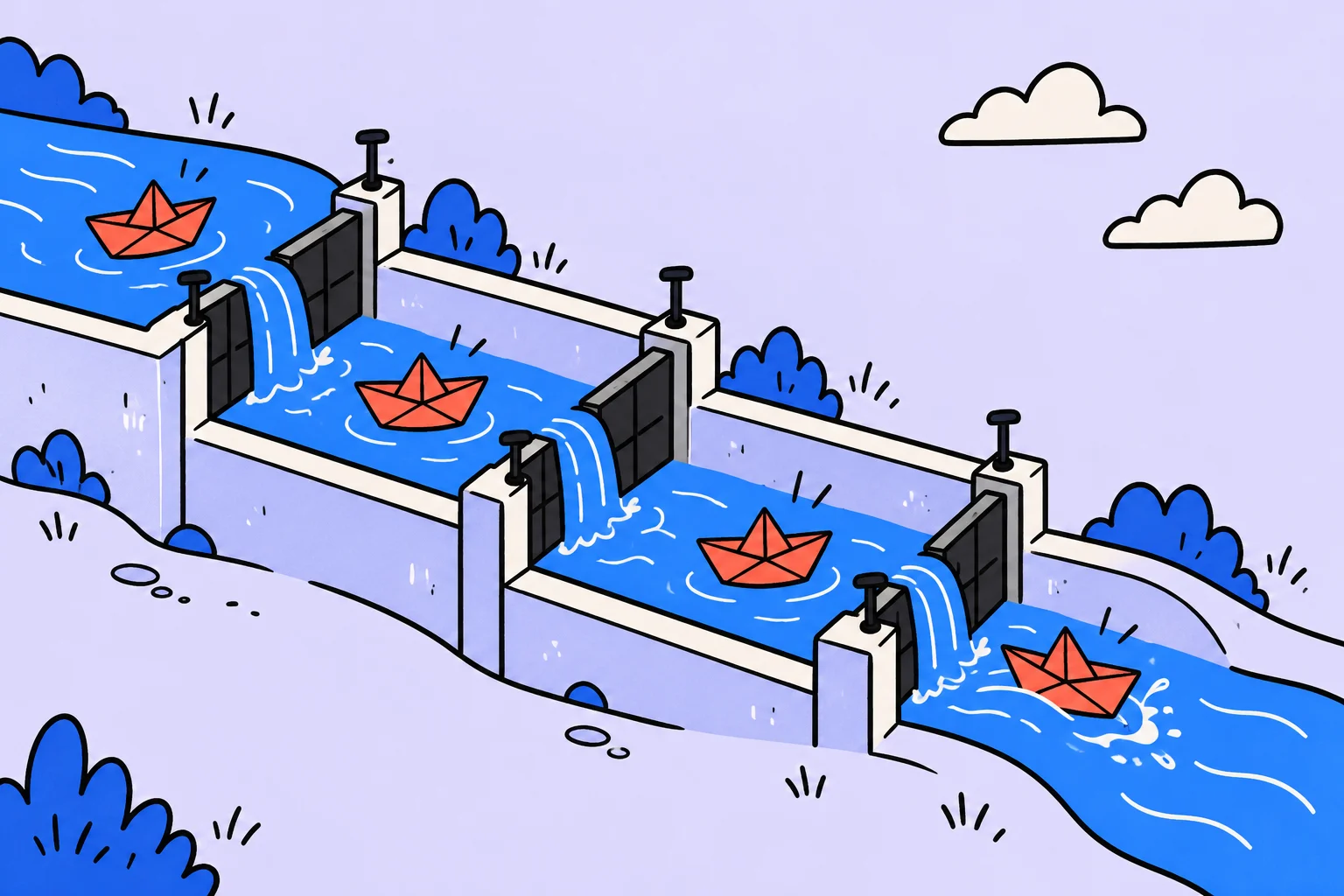
A board shows work moving when it has clear rules
A team Kanban board visualises an agreed workflow. Cards and columns are useful alongside state definitions, limits and conversations about obstacles.
In an illustrative editorial team, articles move through preparation, writing, review and publication. If everyone interprets “done” differently, moving a card communicates little. One writer means a finished draft; another means a published article. First, agree on what the transitions mean.
Kanban is more than an attractive board. It involves seeing unfinished work, managing its flow and improving how work is done through observation. You do not need a dozen columns to start: choose states that actually change the team's decisions.
- Ready to start
There is a reader question, starting information and an available next step.
- In progress
The article is actively being created.
- In review
There is a version that can be checked against the agreed criteria.
- Done
The agreed final result has been achieved.
How to define columns and boundaries
| Status | What needs to be clear |
|---|---|
| Ready to start | Why the article is needed and what is required to start |
| In progress | Who is doing the work now and what prevents it from continuing |
| In review | Where the current version is and which response is needed from the reviewer |
| Done | Which result has been accepted and what has been handed over |
Do not create a column for every small operation. If a transition changes neither responsibility, waiting nor the next action, a note inside the task may be enough. An overly detailed board needs upkeep and hides the larger picture.
Define when the work you are measuring starts and finishes. Otherwise, the team will compare durations for different processes: one person counts from the idea's arrival, another from the start of writing. Both observations can help, but they answer different questions.
Why limit unfinished work?
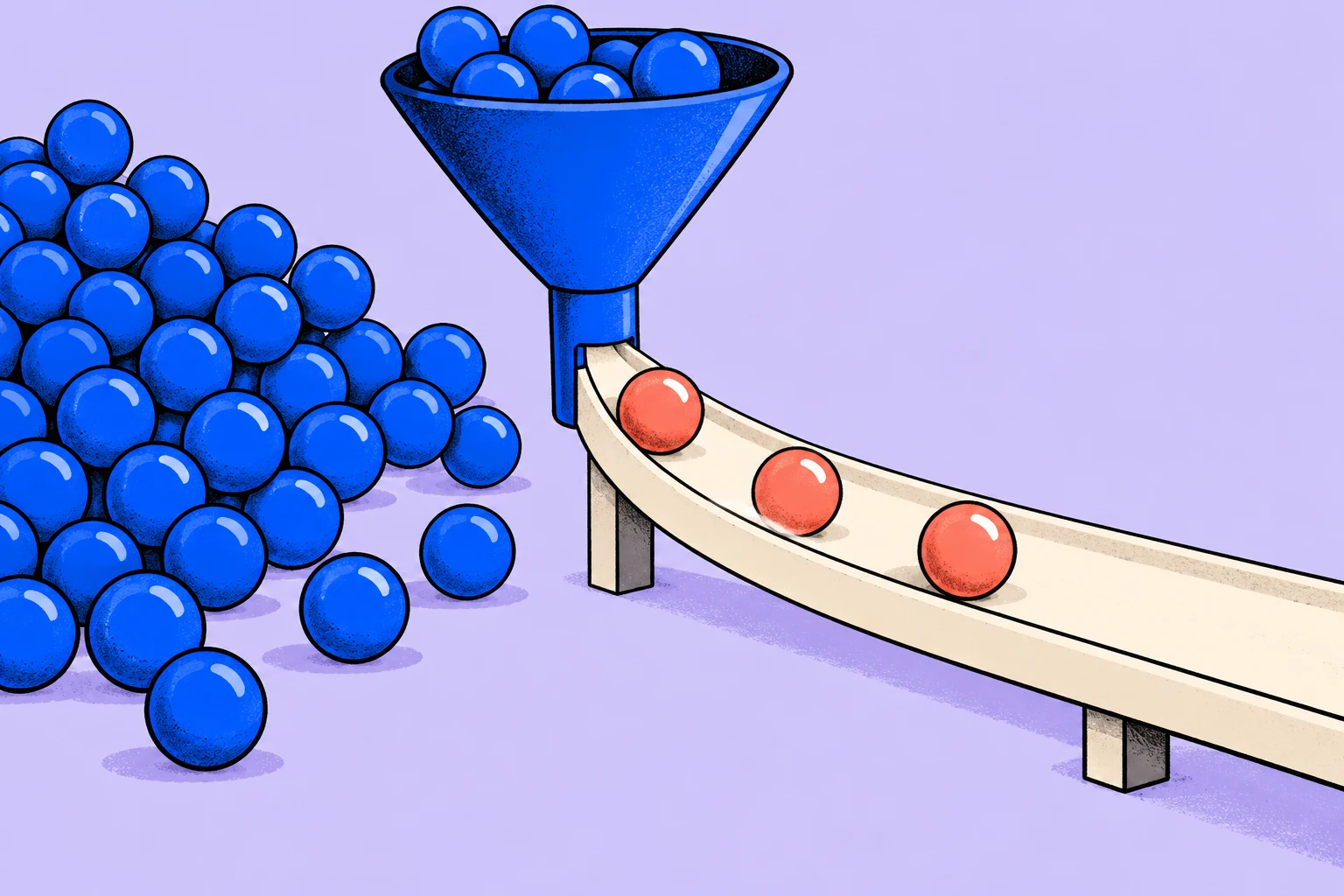
Starting many articles simultaneously does not guarantee quick publication. Work can accumulate in review while new drafts make the queue longer. A work-in-progress limit helps the team notice this and discuss finishing existing work before starting more.
- Start more work
The writer has something new to do, but the editor's queue grows.
- Help finish existing work
Clarify feedback, prepare a review or remove an obstacle from something already started.
Choose a limit for the real workflow and revisit it using observations. It is neither a universal number nor an individual productivity target. If the limit is repeatedly exceeded, find out why: unclear rules, external commitments or insufficient ability to finish work.
How to discuss a stuck card
Ask which condition prevents the next transition. Are inputs missing? Is an approver's answer needed? Does the draft fail a criterion? Different obstacles require different actions. Simply moving the card backwards does not remove the cause.
- Identify the expected result of the current step.
- Name the observable obstacle.
- Establish who can help or make a decision.
- Save the next action and when to return to it.
- Check whether other cards are waiting for the same reason.
Look beyond completion counts to unfinished work that is ageing. A card's duration must not automatically become a judgement about an employee: waiting, complexity and process rules all affect it.
A limit example: two articles in review, no third article started
The editorial team uses “ready to start”, “in progress”, “in review” and “done”. Suppose it agrees to keep no more than two articles in review. This is an illustrative limit for discussion, which needs to fit the actual workflow. When both spaces are occupied, the next finished article exposes a process constraint.
A poor response is to create an “almost in review” column and keep accumulating articles without counting them as unfinished work. A useful response is to understand what prevents existing work from being accepted: an unavailable editor, unchecked sources or feedback returned without a decision. A writer can help with fact-checking or corrections instead of starting another article.
A blockage remains visible with its cause and next action. Waiting for an external answer must not disappear from the count merely because the team names a column “waiting”. Otherwise, the board suggests low workload while unfinished work continues to grow.
Discuss exception rules in advance. An urgent commitment may need a special decision, but every new request must not automatically cancel the limit. Record who can make that decision and which work it postpones.
What to observe beyond the number of closed cards
Use consistent start and finish points for measurement. In this example, work starts when the editorial team actually takes an article on and finishes when it is accepted and ready to publish. If publication belongs in your workflow, the boundary will differ. Do not change it silently between comparisons.
Observe unfinished-work counts, completions per period, the duration of completed work and the age of work still unfinished. An ageing card needs attention before it worsens an average after completion. Several quick, small tasks can hide one large task forgotten for a long time.
Discuss deviations in the context of the work's size and type. Do not turn elapsed time into a competition between employees: it includes waiting, dependencies and team rules. Forecasting needs accumulated comparable experience, not one successful completion.
In the first review, choose one flow problem and one change, such as agreeing on review time in advance. Then check whether waiting decreased. Redrawing columns without changing the causes of delay does not improve the work.
Record the next step for stuck work
Start with one task: “Clarify the criteria for handing a draft over for review.” Record the expected output in the description: the writer and editor share an understanding of which version can be handed over and which response is needed. You do not need to transfer the entire article into the app; save what you will need while doing the work.
Schedule the clarification before the next handover. For the current obstacle, record a separate action that will actually help the work continue.
- Create a task with a specific action in its title.
- Add the completion conditions and necessary context to the description.
- Choose a day and check whether the work fits alongside your other commitments.
Signing up for Sinqly is free. You can also work through the article's example in an ordinary document; the app helps you return to the actions you chose.
How to start without a large rollout
Take a small real workflow and show it as it is. Agree on the columns' meanings, choose a reasonable limit on started work and hold several discussions about how work moves. Do not rename every process merely for the terminology.
Then check where people wait, which rules are unclear and what can change. Personal Kanban manages one person's list; a team board particularly needs handovers and shared agreements. Copying a personal board without discussing those rules may not produce the expected effect.
A board is useful when it helps finish work. More colours and columns cannot replace clear transitions and joint decisions.
More questions to clarify
How many columns are needed?
Enough to make the movement of work clear. Start with significant states and add detail only when there is a real need.
Is a WIP limit a task limit per person?
Not necessarily. A limit can apply to part of the workflow or the whole system. Its purpose is to manage unfinished work, not set an individual quota.
Can we use Kanban without a specialist application?
Yes. You can start with a physical or simple digital board. Workflow rules matter more than the particular tool.
Was this helpful?
Rate the article and tell us what was missing. Your feedback goes to the Sinqly team and will not be published on the site.
Sources and notes
- The Kanban Guide, May 2025
- The suggested process reflects editorial practice; it does not promise identical results for everyone.
Kanban WIP limits: how to limit unfinished work
What counts as work in progress, how to choose an initial limit and how to handle blockers. An editorial queue example and a way to assess changes without promises of magical speed gains.

Team retrospective: a meeting outline and follow-up actions
How to run a retrospective, discuss facts without blame and choose a verifiable improvement. A meeting outline and an example post-launch experiment.
Daily team meetings: coordinate the work without reporting for its own sake
When a team needs a short daily check-in, how it differs from a status report and how to discuss obstacles. Includes a conversation example and an asynchronous alternative.