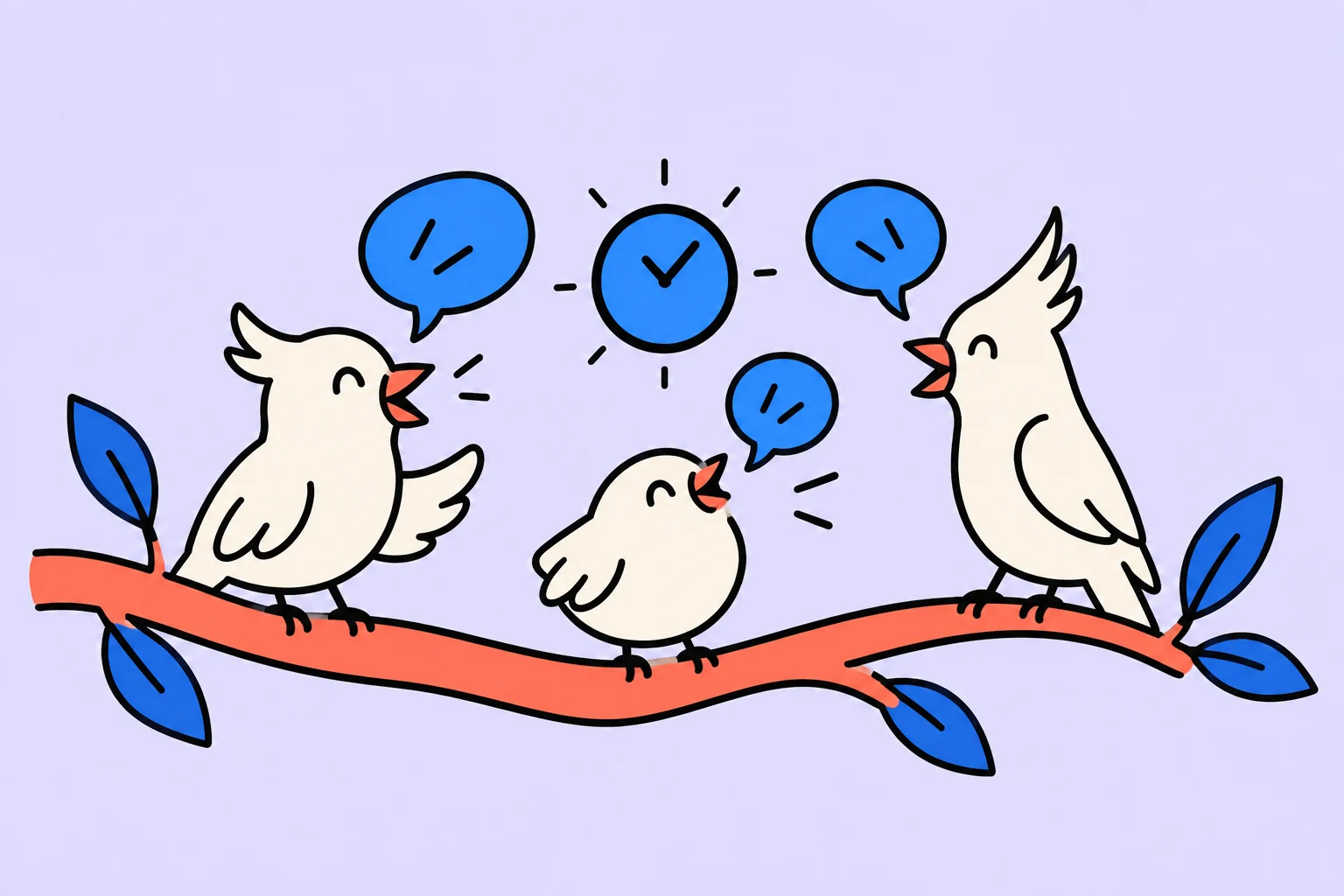
A daily meeting helps when it changes the immediate work plan
A daily meeting usually means a short team coordination session each day. Its purpose is to discover where coordination is needed, not take turns proving that everyone is busy.
In an illustrative team, a designer hands a design to a developer while an editor prepares the content. If the design changes, the developer could start implementing the wrong version. A short conversation can reveal this before several hours of unnecessary work. If participants independently carry out familiar tasks, a daily meeting may cost more than the useful information it provides.
In Scrum, the Daily Scrum is a specific event for Developers: fifteen minutes to review progress towards the Sprint Goal and adapt the immediate plan. An ordinary organisation-wide morning meeting does not become that event just because of its name.
- Report
“Yesterday I worked on the design; today I will continue.” Nobody else has anything to change.
- Coordination
“The first screen has changed; wait to implement that part until I hand over the new version at 12:00.” This affects the plan.
What to discuss in a short meeting
Focus on the work and the team's immediate result. What needs to move forward today? Where is a handover needed? Which task is stuck, and why? Who needs a separate conversation after the meeting? The questions can take different forms; mechanically repeating three phrases does not guarantee a useful discussion.
| Observation | Today's decision |
|---|---|
| The first screen has changed | The developer starts another agreed section for now |
| The button text is not confirmed | The editor clarifies it before handing over the final version |
| A difficult form-behaviour question remains | The designer and developer discuss it separately after the daily meeting |
The table contains neither judgements about people nor a detailed history of yesterday. Each item either changes the action order or identifies a separate conversation. Information others do not need for coordination can stay in the work record.
Prepare so the meeting is not spent remembering
Update the actual state of your work before the meeting. If a task is “nearly finished”, name the result still missing: the form is unchecked, an answer has not arrived or a version has not been approved. This makes the conversation concrete and helps others understand the dependency.
- Fact
There is no answer about the button text.
- Impact
The final version cannot be handed over without a risk of rework.
- Action
The editor clarifies the decision while everyone else continues independent work.
Do not hide a delay until the deadline has passed. But do not call every difficulty a blocker either: if you can continue independently, it may simply need an ordinary working step. A blocker is useful as a dependency signal, not a universal label for a difficult task.
The facilitator should protect clarity and time without turning the meeting into an examination. If the discussion repeatedly becomes a series of excuses, check whether the daily meeting is being used for personal monitoring instead of joint planning.
When an asynchronous format is better
If participants work in different time zones or spend most of the day without dependencies on one another, try short written updates. Preserve the ability to discuss important dependencies quickly. Asynchronous work does not mean questions can be left unanswered indefinitely.
- Agree on which information is updated and where to find it.
- Specify how to flag an obstacle that needs someone else's response.
- Choose a clear process for urgent discussion.
- After a trial period, check whether missed handovers have increased.
Do not move a meeting into messages merely to clear the calendar. If people then spend all day clarifying the same thing in writing, the format has not solved the problem. Compare the total cost of coordination, not just the call's duration.
What a useful obstacle discussion sounds like
A formal report might be: “Yesterday I worked on the form; today I will continue; no problems.” The team learns nothing about whether the scenario can be completed. More useful is: “The selection copy is ready, but submission is unchecked because we lack access to the test receiver. Without it, we cannot verify booking today. We need Boris's help with access.” Now the action that would change the plan is clear.
Another participant says she planned to start a report but can help check the form once access is available. The team decides to complete the shared scenario first. This changes the immediate work; the meeting earns its time through a decision, not through everyone saying three sentences.
The whole team does not need to work through the technical access details. After the brief coordination, Boris and the developer have a separate conversation. Everyone else knows the expected result and when it will be checked. This preserves the time limit without demanding silence about a real problem.
In Scrum, the Daily Scrum is for Developers, lasts fifteen minutes and helps them review progress towards the Sprint Goal and adapt the immediate plan. An arbitrary daily company status meeting does not become this event by being called a “daily”.
When writing works and when a conversation is needed
If participants have different working hours and few mutual dependencies, written updates can be convenient. For a shared team status, agree on when updates are posted, their structure and how blockers are handled. A message nobody is expected to read does not replace coordination.
Write about the result, next action and help needed. If the work order is disputed or a dependency is unclear, move to a short conversation with the relevant people. Do not let a thread become a day of waiting between replies merely to uphold an “everything asynchronous” rule.
Judge value through decisions: did the team spot a risk earlier, help finish work already started or reduce repeated status questions? If everyone merely reads what the current plan already shows, change the questions or participants. The absence of a polished report does not mean the absence of work.
Save the action agreed in the daily meeting
Start with one task: “Confirm the final button text before handing over the design.” Record the expected output in the description: confirmed wording and clarity about whom to notify when it is ready. You do not need to transfer the whole article into the app; save what you will need while doing the work.
Schedule the action around the handover time. Record which other work is waiting for the result so you can return to that connection after the meeting.
- Create a task with a specific action in its title.
- Add the completion conditions and necessary context to the description.
- Choose a day and check whether the work fits alongside your other commitments.
Signing up for Sinqly is free. You can also work through the article's example in an ordinary document; the app helps you return to the actions you chose.
How to assess the value of a daily meeting
After several work cycles, ask which handovers are noticed earlier, which unnecessary discussions have disappeared and what people change after the meeting. If everyone says the same thing regardless of the situation, revisit the questions, participants or need for the format itself.
Shortening the meeting is not a goal at any cost. The team needs useful coordination at a reasonable cost. For a complicated day, a separate working discussion may be more useful than trying to fit everything into a daily ritual.
A good daily meeting leaves a clear immediate plan. If nobody knows what changed afterwards, short statements alone are not enough.
More questions to clarify
Must everyone answer the three standard questions?
No. For ordinary coordination, choose a structure that fits the work. The current Scrum Guide emphasises the event's purpose and adapting the plan, rather than a mandatory three-question round.
Is a daily meeting the same as a planning meeting?
Not necessarily. A planning meeting may cover a broad range of decisions for the week. A daily meeting usually concerns immediate day-to-day coordination.
Must everyone stand up?
Body position does not determine usefulness. The purpose, accessibility of the format and participants' ability to agree on the work matter more.
Was this helpful?
Rate the article and tell us what was missing. Your feedback goes to the Sinqly team and will not be published on the site.
Sources and notes
- Scrum Guide: Daily Scrum
- The suggested process reflects editorial practice; it does not promise identical results for everyone.
Scrum explained: accountabilities, events and artifacts in one example
How Scrum works: team accountabilities, events, artifacts and short inspection cycles. An illustrative product example, without presenting one approach as suitable for every team.

Sprint planning: set a goal, choose the work and inspect the result
Formulate a Sprint Goal, select work the team can complete and inspect the result. An illustrative booking improvement and common planning mistakes.
Project backlog: keep an idea list that helps you choose work
How to collect ideas, clarify tasks and choose the next work without an endless list of promises. An example backlog for a small product and rules for reviewing it.