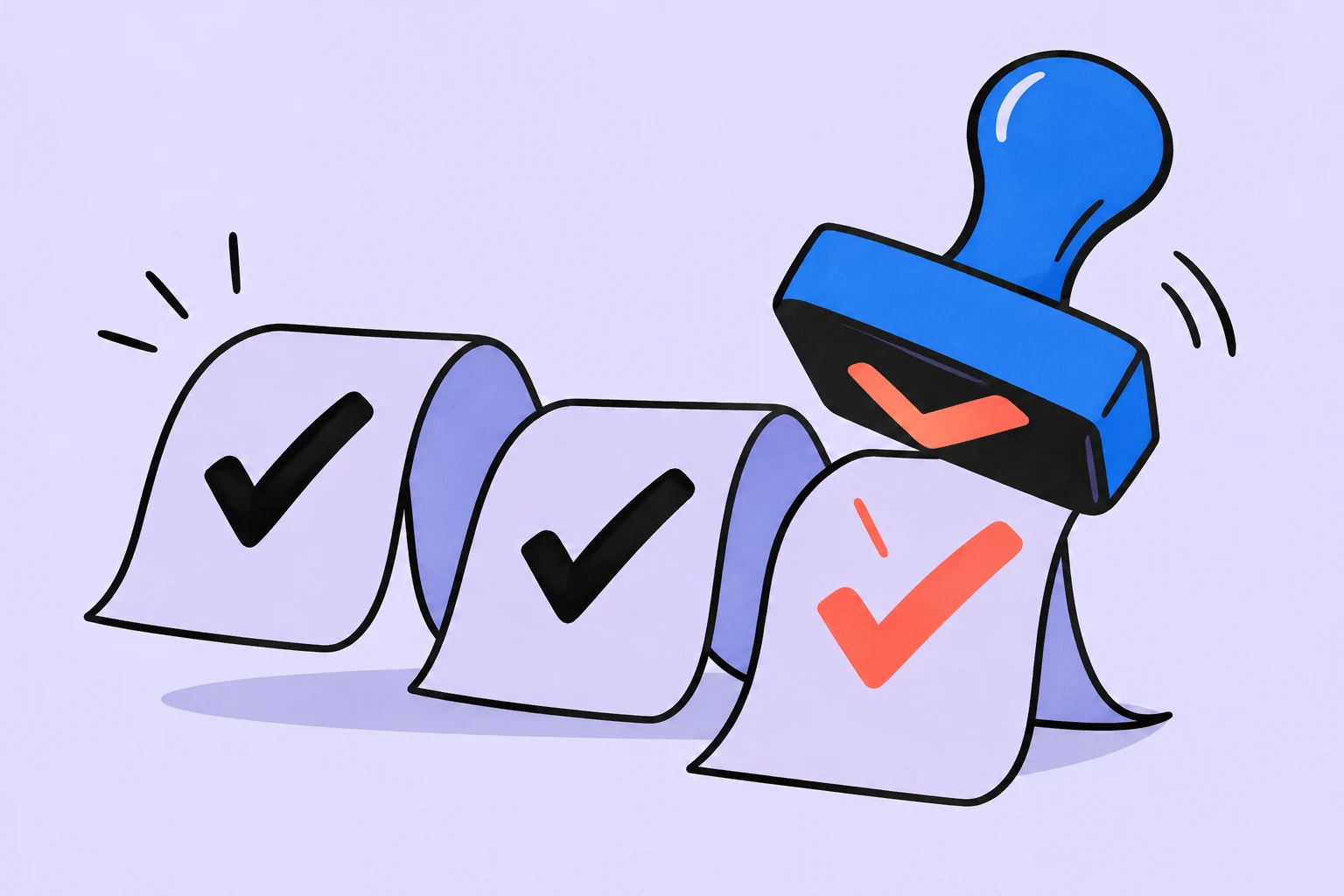
Use a checklist when work repeats and details get missed
Imagine sending a finished piece of work to a client. The copy is good, but your email still links to a draft, the file is named “final_even_newer” and access is restricted. You did the main work. The mistake happened in the last few actions, which are easy to overlook.
A checklist remembers the checkpoints. It helps you verify a recurring result. It does not replace the ability to write, design or reach an agreement with a client.
- Result
The client received the correct version and can open it.
- Risks
The wrong file, restricted access or an unclear next action.
- Check
The version, link and email text are checked before sending.
The WHO surgical checklist manual emphasizes brevity, clarity, specific actions and testing changes in practice. Here, we cautiously apply those general principles to organizing a check. The work example below is editorial; medical outcomes and requirements are not being transferred to office work.
An item should let you answer: “Done or not?”
“Check quality” sounds impressive, but two people will interpret it differently. Break down only the points where an omission really affects the result. A few clear items are more useful in a first version than a long list of everything a person already does.
| Vague | Verifiable | Evidence of completion |
|---|---|---|
| Check the file | Open the attached file and compare it with the agreed version | The name and contents match. |
| Check the link | Open the link while signed out, if the material is meant to be accessible by link | The intended material opens without requesting extra access. |
| Write properly | State in the email what you are sending and what action you expect from the client | The material is named and there is a question or next step. |
| Finish everything | Save confirmation of sending alongside the task | The date and message can be found. |
Place checks where mistakes can still be corrected
Checking a link after sending it discovers the mistake too late. First identify the transitions in the work: before sending, immediately afterward and after receiving a reply. Each transition needs its own short check, rather than one enormous list at the end.
- Before sending
The correct version is attached. Access is checked. The email makes the next step clear.
- After sending
The message was actually sent. The date and channel are recorded. If you are waiting for a reply, the waiting-for item is recorded.
- After the reply
Comments have become specific actions, or the result has been accepted.
A checkmark confirms a fact rather than an intention. “I will check the link” is not the same as “The link is checked”. If an item cannot be confirmed, clarify its wording or remove it.
You do not have to include all three stages in one list. If you track waiting-for items separately, the sending checklist ends when the request is recorded, while receiving the reply belongs to another task. This avoids leaving one check unfinished for weeks.
Building a working version in Sinqly
Start with an ordinary task: the title identifies the result, and the description holds the checking steps. We do not assume that description items automatically become separate tasks or that the service repeats the process for you.
- Name the result
“Send the agreed material to Anna”. The title identifies this instance of the work, rather than an abstract “Checklist”.
- Record the checks
Add a “Before sending” block to the description: correct file; recipient access; clear next step. Leave a field nearby for the sending date.
- Check and finish
Go through the items before sending, record the actual result and complete the task only afterward. For the next instance, copy the tested text manually.
Keep the common part separate from the details of each case. “Check access” repeats; the client’s name, link and date change. When copying the text, replace the details first so the template does not become a source of errors.
Example: sending a presentation
| When | Check | What to record |
|---|---|---|
| Before sending | Open the final file and verify that it contains the agreed slides | Version name. |
| Before sending | Check access for the intended recipient | Who is authorized to access it. |
| Before sending | State: “Please approve or send a list of revisions” | The reply expected. |
| After sending | Check that the message went to the correct channel | Date and link to the message. |
| After sending | If a reply is needed for the next stage, record a waiting-for item | Whom we are waiting for and when we will check. |
Suppose the first run reveals that the client receives material only through corporate storage. Your universal “Check the link while signed out” item does not fit. The fix is to replace it with a check of the intended recipient’s authorized access, rather than add three more items.
A good template changes after real use. If an item creates false confidence, fix it. A checkmark saying “Everything checked” has no value when you checked the wrong access.
How to tell whether the list helps or slows you down
After finishing, ask yourself what the checks caught, what stayed unclear and which item duplicated another check. This is a small assessment of your process, rather than proof of increased productivity. To compare several runs, record the same things: missed steps, clarifications and time spent on the check itself.
| Observation | Decision |
|---|---|
| An item needs explaining every time | Add a specific object and evidence of completion. |
| Two items check the same thing | Combine them. |
| People mark the list before doing the work | Move the check closer to the action; clarify the actual result. |
| One item applies only to a rare case | Move it into a variant for that case. |
| An error slipped through despite every item being checked | Identify the specific risk that was not covered. Do not add items at random. |
If the process requires a professional procedure or a mandatory check by someone else, a personal template does not replace it. For an ordinary delivery of material, start with a small version, try it in practice and keep the wording that works.
First step: choose one recurring result. Do not build a template library in advance. Find one piece of work where you have previously missed a final check, and write down the evidence that it is complete.
More questions to clarify
How does a checklist differ from a task list?
A task list holds work that needs doing. A checklist holds recurring checkpoints for one result. An item can become a separate task if it requires independent work or an agreement.
How many items do I need?
There is no universal number. Keep enough to cover the specific risks, but make every item clear and verifiable. A long list without a purpose does not gain quality from its length.
Can I make a universal template right away?
It is better to try a small version in one typical case. Then separate common checks from changing details and fix items that do not match the actual work.
Was this helpful?
Rate the article and tell us what was missing. Your feedback goes to the Sinqly team and will not be published on the site.
Sources and notes
- WHO: Implementation manual, Surgical Safety Checklist (2009)
- GTD: reviewing current lists and checklists
- The suggested process reflects editorial practice; it does not promise identical results for everyone.
Overdue tasks: review the backlog instead of carrying the worry forward
You do not have to promise yourself you will do everything tomorrow. Here is how to separate live commitments from outdated entries and make your list meaningful again.
Task breakdown: how to turn a large job into clear steps
What task breakdown means, how to choose a way to divide the work and when to stop. A client proposal example, common mistakes and moving your finished plan into Sinqly.
“It's urgent”: where to put a task when your day is already full
A new task does not create new hours. How to clarify urgency, choose the smallest useful result and agree on what will move.