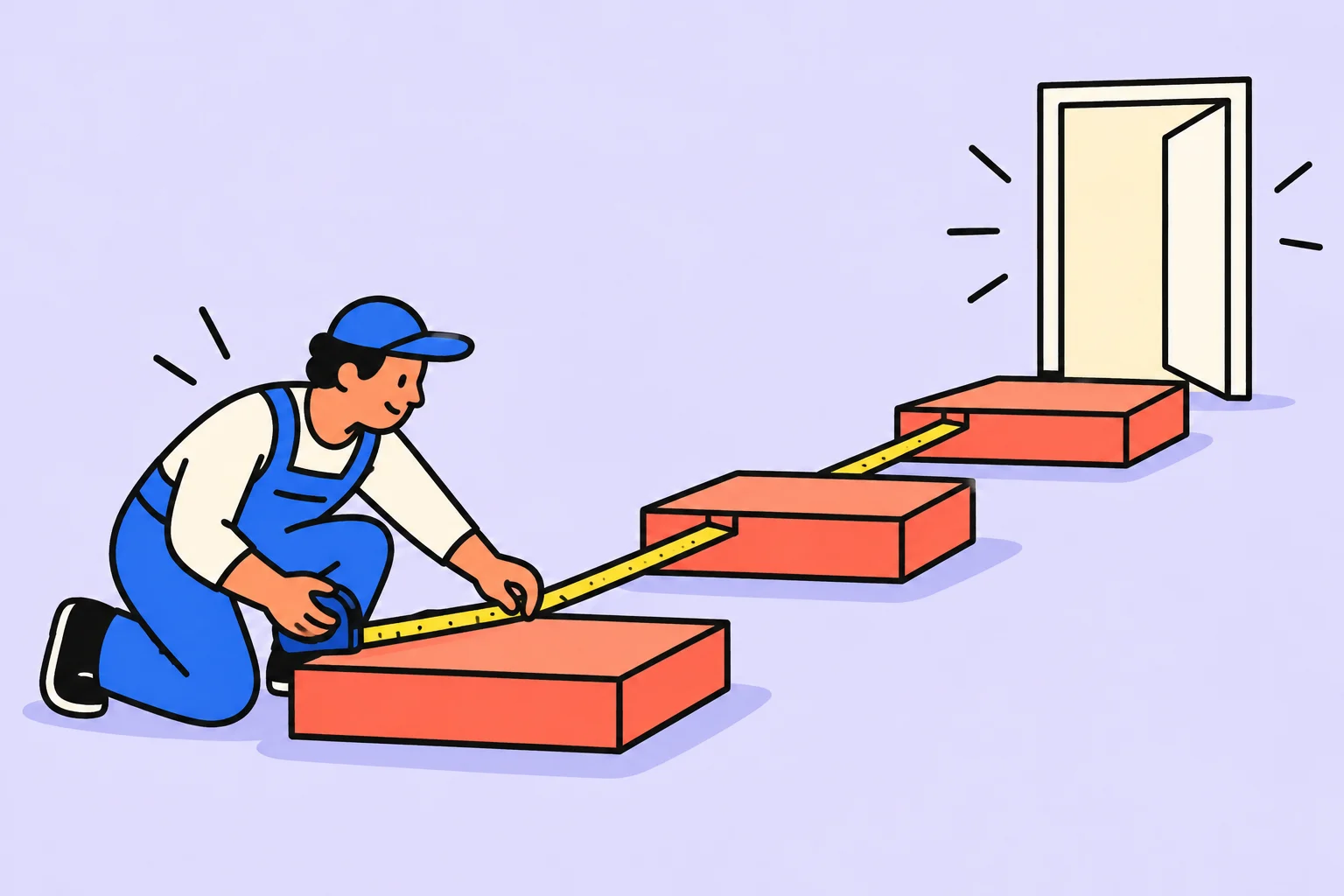
A project plan connects the outcome with real actions
A project plan explains which activities will produce the outcome, their sequence and how to spot deviations. A wish list with dates does not yet answer these questions.
An illustrative team is preparing an open class for prospective students. They need to agree the topic, prepare the programme, invite people, check the venue and hold the session. Giving every task a deadline one day before the class hides dependencies: the invitation depends on the topic and time; the venue check depends on the chosen format.
First define the outcome: the class takes place in the agreed format, participants receive the promised material, and the team reviews feedback. Then define the boundaries: for example, recording a separate large course is outside this project. All dates below apply only to the illustrative scenario.
- Outcome
Hold the class and test interest in the topic.
- Activities
Prepare the programme, invitation, venue and materials.
- Checks
Confirm readiness before the event and review the result afterwards.
Example plan: an open class
| Activity | Required before starting | Verifiable output |
|---|---|---|
| Agree the topic and audience | Event goal | A short description of the class and its expected benefit |
| Prepare the programme | Agreed topic | A plan for the explanation and practical example |
| Prepare the invitation | Topic, time and format | Checked copy with a clear way to participate |
| Check the venue | Chosen format | The main participant journey has been tested |
| Hold the class | Materials and venue are ready | Participants received the promised format |
| Review the result | The event has taken place | Findings and a decision on the next step |
The table has no precise hours because these cannot honestly be assigned without knowing the team. Estimate each activity using comparable experience, clarify unknown elements and check people's availability. If no programme exists yet, do not estimate creating one as simply copying text.
Assign someone responsible for every result. If two people do the work, clarify who assembles the overall output and reports readiness. Otherwise, “almost everything is done” may never become usable material.
How to set dates around dependencies
Work backwards from the required event date. The venue must be checked before the class. The format must be chosen before that check. The topic and time must be confirmed before the invitation. Not every activity has to be sequential, but parallel work requires available people and information.
- First
Goal, topic and format confirmed.
- Then
Programme and invitation ready; participation terms checked.
- Before the event
Main venue scenario tested and materials checked.
- Afterwards
Feedback collected and a decision made about continuing.
Leave time between completing critical material and making an external commitment. The buffer depends on uncertainty and the cost of error. It should not quietly become space for new optional tasks.
How to monitor a project without constant micromanagement
Choose points where the result actually affects subsequent work. For the class, these are topic approval, programme readiness and venue testing. At these points, inspect the material or completed scenario, rather than simply hearing “everything is fine”.
- Compare the expected result with what exists now.
- Find out what remains and what completion depends on.
- Assess the impact on the next activity and external deadline.
- Choose an action: help, reduced scope, resequencing or an agreed postponement.
- Update the plan so the team sees one current decision.
Do not check every detail equally often. Greater uncertainty and consequences of delay make early checks more valuable. For familiar independent work, agreeing the result handover may be enough.
A completed class plan: who delivers what and when
Three people in the illustrative project are preparing an open online class. Anna owns content, Boris handles the platform and Vera handles the invitation. The event date is initially a preference: it becomes a commitment only after availability and dependencies have been checked.
On Monday Anna agrees the topic and audience. On Tuesday she assembles the programme while Boris checks the platform. Vera can draft the invitation, but publishes final participation terms only after the topic, time and format are confirmed. On Wednesday the team tests the participant journey: open the invitation, register, find the link and join. Thursday is reserved for fixes; the class takes place on Friday. This is an illustrative schedule, not a standard event-preparation timeline.
- Topic and format
Anna confirms the content.
- Time and platform
Boris checks that participation is possible.
- Invitation
Vera publishes verified terms.
- Participant journey
The team tests the entire scenario before the event.
Every stage has a result: an agreed description, a programme, a checked invitation or a tested joining process. “Work on the programme” does not allow stage acceptance. Better: “The programme includes the goal, explanation sequence, exercise and question time; Anna checked that it fits the allocated slot.”
Check resources too. If Vera is occupied with another launch on Tuesday and Wednesday, you cannot simply keep the invitation on those days in a beautiful table. Options include reducing scope, transferring some work with another participant's agreement or changing the date. A plan starts with people's actual availability, rather than filling a calendar.
What to change if the programme is a day late
On Tuesday Anna discovers that the exercise needs additional materials. First check whether this affects the invitation. If the promised benefit and format remain the same, Vera can continue; if the content changes, publication needs reconsideration. A dependency is defined by a required input, rather than neighbouring rows in a plan.
Then assess the remaining work: can the exercise be simplified while preserving its goal, how long will checking take, and is there still a day for fixes? Do not automatically cut testing to preserve the date. Discuss alternatives and record the decision: new scope, responsible person, changed deadline and people who need notifying.
The plan is not closed when the class ends. Collect the promised materials, check outstanding commitments to participants and decide whether to hold another session. Schedule a short review: which assumption was wrong and what should change in the next plan? Otherwise, the team will repeat the same workload mistake.
In the template below, each row represents one verifiable result. This is enough for a small project. As it grows, you can add budget and other fields, but avoid complicating the table with information nobody uses for decisions.
Move one activity from the plan into the calendar
Start with one task: “Check the open-class participant journey”. Record the expected output in the description: joining the platform, accessing materials and handling a technical problem are clear. You do not have to transfer the entire article into the service: keep what you will need while doing the work.
Schedule the check before the event with time for fixes. Separately record who confirms readiness and where the check result is stored.
- Create a task with a concrete action in its title.
- Add readiness conditions and the necessary context to the description.
- Choose a day and check that the work fits alongside other commitments.
Sinqly registration is free. You can also complete the article's example in an ordinary document; the service helps you return to your chosen actions.
What to do when the plan no longer fits
Do not automatically move every date by one day. First find the cause: scope increased, an assumption failed, a participant is unavailable or a new dependency appeared. Different causes require different decisions. Sometimes removing optional material is more useful than postponing the whole event.
Preserve the original goal during revision. If a reduction removes the reason people would attend, you are changing the promise rather than optimising preparation. Explicitly agree that decision and notify affected participants.
You can change a working plan while preserving its rationale. Understand which observation caused the change and how the required outcome will now be achieved.
More questions to clarify
Do you need a complex project tool?
For a small project, a list of activities, dependencies, responsible people and checkpoints is enough. Choose a tool for the coordination complexity rather than its presentation.
How does a plan differ from a task list?
A plan connects activities to the overall outcome, shows dependencies and defines how it is reviewed. A list can be part of it.
Can you plan without precise estimates?
You can start with ranges and identify unknowns separately. Update estimates as you learn; do not present an assumption as a guaranteed deadline.
Was this helpful?
Rate the article and tell us what was missing. Your feedback goes to the Sinqly team and will not be published on the site.
Sources and notes
- Atlassian: project planning
- The suggested process reflects editorial practice; it does not promise identical results for everyone.

Project resource plan: calculate availability and find overload
A completed resource plan for three specialists: available hours, buffer, workload and a bottleneck. Why total time alone is insufficient for a realistic plan.
Project charter example: one page without bureaucracy
Record the goal, boundaries, participants and conditions for starting a project on one page. An illustrative small service launch and questions to resolve before planning work.
The project life cycle: stages from idea to completion
How a project moves from an idea to completion: decisions at each stage, useful documents and signs that it is ready to move forward. Illustrated with a small exhibition.