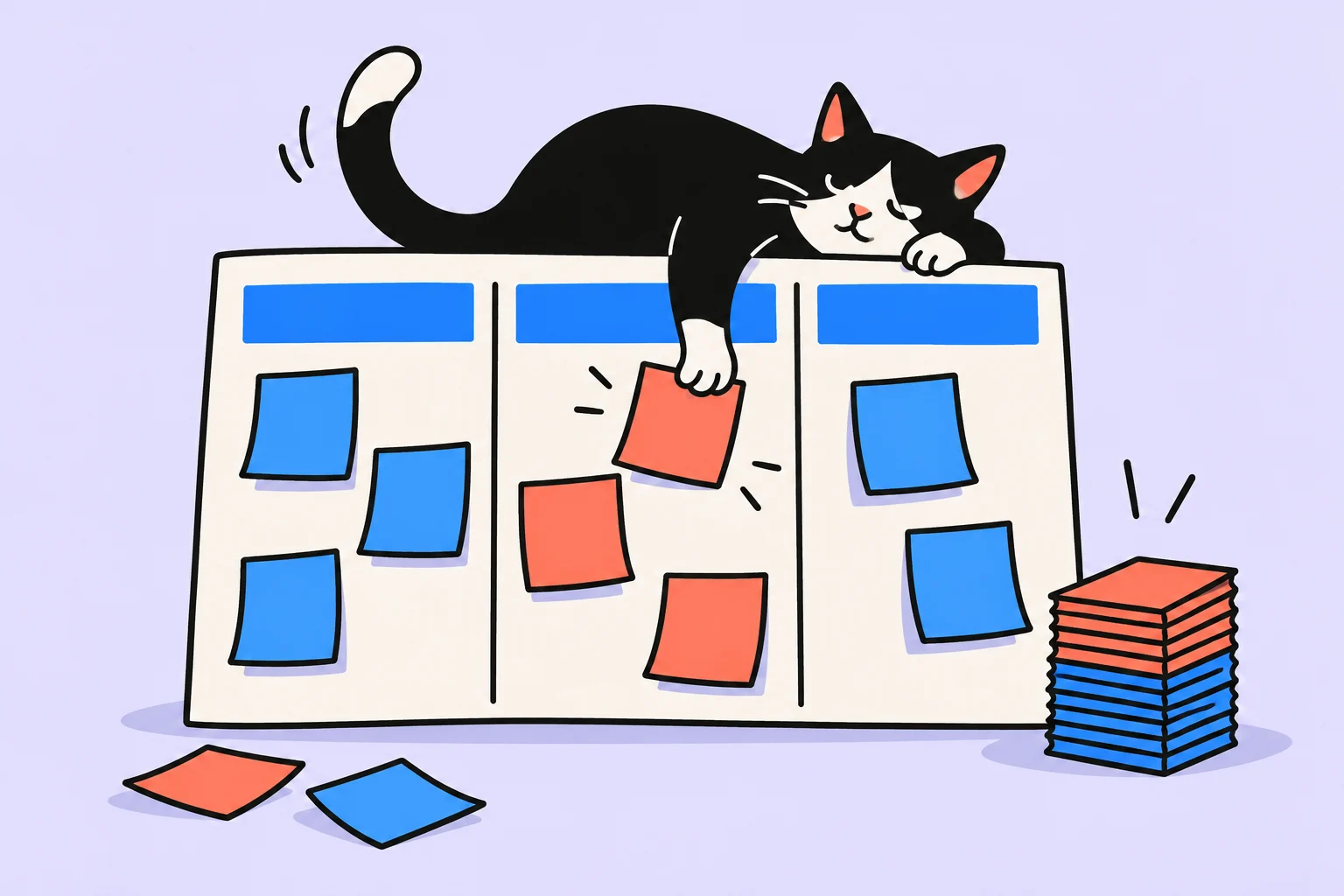
The board shows flow; choosing still matters
Kanban helps you see where work stands and how much has already begun. For personal tasks, start with three columns: ‘Ready to start’, ‘In progress’, and ‘Done’. Moving cards alone does not solve overload. If the middle column keeps growing, the board simply provides a tidy display of too many unfinished commitments.
The Kanban Guide describes the start and finish of work items, explicit control of work in progress, and improving flow. The personal example below simplifies these ideas and does not claim to be a complete organizational implementation method. The main practical aim is to stop opening everything at once and see what prevents you from finishing work already started. You can make the board on paper without choosing a new service.
Choose one area and a card size
Do not put your entire life on the first board. Choose upcoming personal work tasks, a small home project, or preparation of a learning outcome. When cards have different scales, such as ‘reply to an email’ and ‘change careers’, a numerical limit becomes less informative. Start with actions or outcomes you can complete within a foreseeable period.
A card should describe an outcome and a clear next step. ‘Renovation’ is too broad; ‘agree on the estimate with the contractor’ has an endpoint. But do not split work into every mouse click: that creates many formal completions without a useful result. Choose a size that lets you notice progress and check completion without losing the project’s overall purpose.
Define entry and exit for the three columns
Put only selected tasks with sufficient information in ‘Ready to start’. Keep distant ideas elsewhere. A card enters ‘In progress’ when you actually start doing it, rather than merely remembering it. It enters ‘Done’ when the result recorded in advance is achieved. These definitions matter more than card colors.
For example, ‘submit an application’ is complete after submission and saving confirmation, while ‘obtain approval’ is complete after a reply. If waiting for a reply is part of the chosen outcome, the card remains unfinished. You can mark it ‘waiting’, but do not quietly count this work as done simply because your active part has ended.
- Ready to start
The next task is selected; its outcome and required information are known.
- In progress
Started, but the completion criterion has not yet been met. Waiting is marked explicitly.
- Done
The result is checked against the card’s condition; any subsequent task is created separately.
Set a trial work-in-progress limit
A work-in-progress limit, or WIP limit, is a rule about the number of cards started but unfinished. For a personal board, you can try two at once and review it later. This is the author’s starting example, rather than a number the guide prescribes for everyone. When you reach the limit, first determine whether you can finish or unblock existing work before taking on something new.
A task marked as waiting is still a commitment. Do not remove it from the count merely to make space. If your work inevitably involves many external waits, define a separate transparent rule and check the total volume of commitments. A useful limit accounts for context; it must not conceal overload. See both active work and what you remain responsible for.
Example: documents and a portfolio on one board
An illustrative example: Oleg has chosen a two-card limit. ‘Obtain a certificate’ and ‘prepare a project description for the portfolio’ are in progress. The certificate awaits a reply; the description has not yet been checked. Oleg wants to start presenting the next project, but instead finishes the description, checks its criteria, and moves the card to ‘Done’. The new task takes the vacated place.
If the certificate takes a long time to arrive, Oleg records the next step: ask about its status on a specific day. He does not check email every ten minutes or rename waiting as completion. If a genuinely urgent task must begin, he makes the exception visible and decides what to pause. The limit is intended to make such decisions noticeable, rather than prevent action when circumstances change.
Look at card age and blockers
During a short review, ask ‘what has been sitting without movement?’ rather than ‘how many more tasks should I add?’ Card age shows the time since starting, including waiting; it is not equivalent to hours worked. An old task may need clarification, a smaller scope, another person’s reply, or an honest cancellation.
For a blocker, record its cause, the owner of the next action, and a return date. ‘Cannot do it yet’ explains nothing. ‘Need a reply about the estimate; ask the contractor on Thursday’ enables action. Do not add columns for every rare situation: sometimes one card note is enough. Change the board’s structure only if its previous form regularly prevents you from understanding the work’s state.
Minimum rules for a personal board
Write the rules nearby so that each move does not depend on your mood. Keep them short and aligned with what you are actually prepared to follow. If the limit is repeatedly broken, do not conceal violations; examine how you choose new commitments and whether the cards are too large.
- Board scope: which tasks belong here and which stay elsewhere.
- Card size: what completed outcome it represents.
- Start: when a task is considered genuinely started.
- Completion: what I check before moving it to the final column.
- Limit: how much started work is allowed and how exceptions are shown.
- Blocker: cause, next responsible action, review date.
- Review: when I inspect old cards and clear completed work.
In Sinqly, you can manage tasks on a Kanban board. Set a specific WIP limit as your own rule and check it when choosing the next task. If you prefer paper, label three columns and use separate cards. In either version, see the state, completion criterion, and reason for waiting, rather than merely listing every task.
Mistakes and the first weekly review
Common mistakes include setting the limit too high, moving waiting work to done, taking the next card before checking the result, and keeping hundreds of ideas in the start queue. Another is measuring success only by the number of completions: small cards increase the counter without necessarily finishing an important project. Compare similar work and consider result quality.
After a week, check whether it is clearer what has started, what is stuck, and why. If it is not, clarify the rules rather than complicating the design. Collecting incoming tasks and deciding priorities can happen separately: the board need not contain every idea. A sufficient first board shows a few real tasks and helps finish one before opening another.
Sources
Frequently asked questions
How does personal Kanban differ from a to-do list?
The board shows work states and limits the number of started items. An ordinary list can include everything at once without showing how many commitments are already in progress.
What WIP limit should one person choose?
Start with a small trial value, such as two cards, and test it in your own work. This is an example, rather than a universal standard. Account for waiting and do not hide exceptions.
Can I use only three columns?
Yes, that is enough to start if the start, finish, and limit are clear. Additional states are needed only when they help explain a recurring situation.
Turn an idea into action
Was this helpful?
Rate the article and tell us what was missing. Your feedback goes to the Sinqly team and will not be published on the site.

How to finish tasks: completion criteria and the final step
Review nearly finished work: define a verifiable result, separate improvements, prepare the handoff, and close the remaining commitments.
GTD: a planning system explained simply, with a diagram and example
How the GTD planning system works: a five-step diagram, processing your inbox, and a project example. Where to start, where to record the next action, and when you need a calendar.
The Two-Minute Rule: How to Stop Putting Things Off and Start Acting
The two-minute rule from GTD and Atomic Habits: how to use it for tasks and habits. Examples, scientific background, pitfalls and a step-by-step implementation plan.