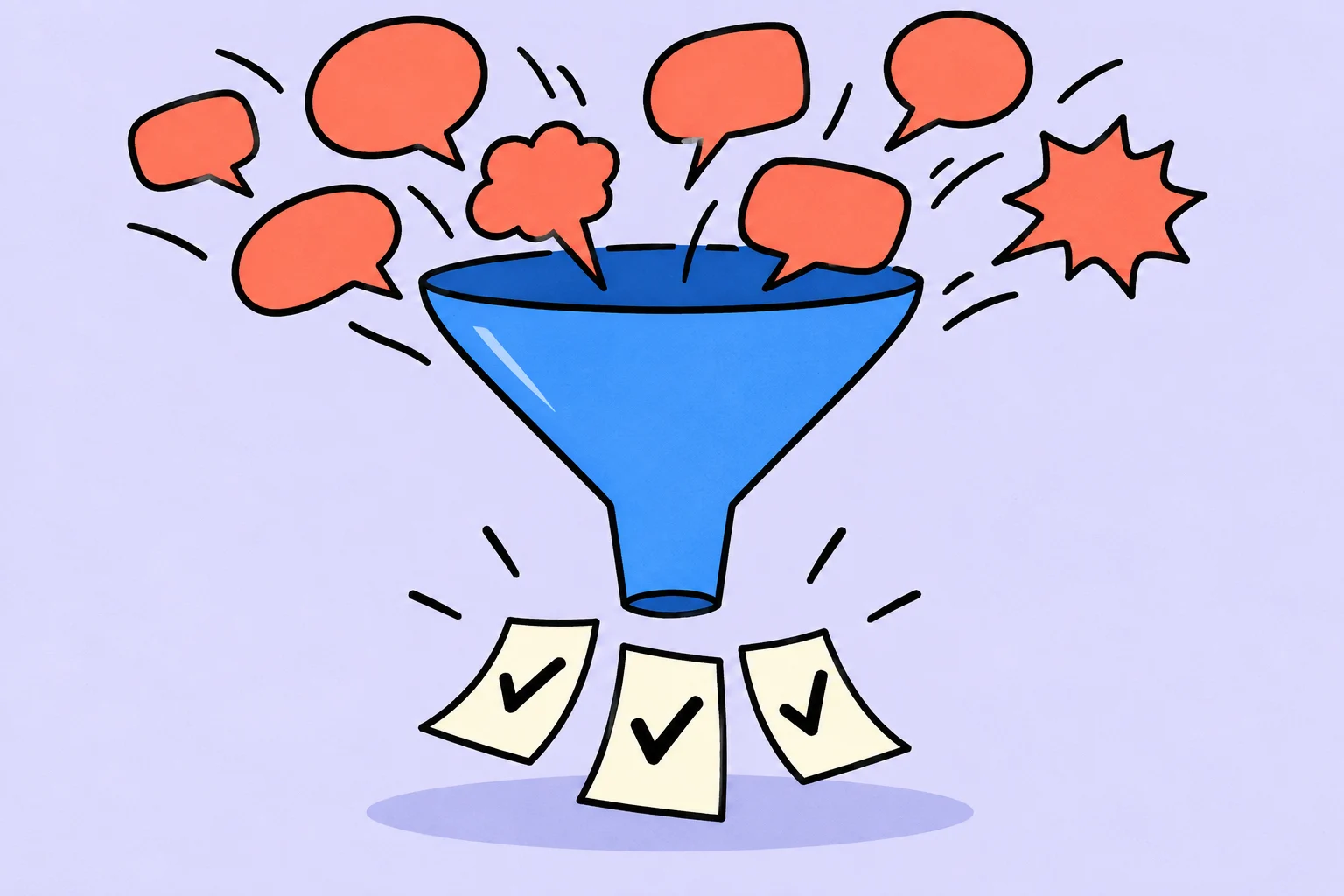
Minutes help everyone understand the same outcome after a meeting
Working minutes record decisions, actions and open questions. They do not have to repeat the entire conversation.
An illustrative team discusses an email campaign launch. Marina suggests postponing sending; Oleg promises to check the address list, but no exact date is named. Two days later, Marina believes postponement was agreed, while Oleg expects the original send date. A detailed transcript could contain both remarks and still fail to answer: what did the team decide?
Below is an example for an ordinary working meeting. It is not a form for company members' meetings, boards of directors or other legally significant bodies. Those documents have separate requirements. For a team, clarity of agreement matters more than bureaucratic wording.
- Discussion
“Perhaps we should send later: the list has not been checked.” This is a proposal.
- Decision
“We send after checking the list. We confirm the date by 15:00 Thursday.” This is an agreed process.
Example: short email-launch minutes
| Field | Content |
|---|---|
| Topic | Email campaign readiness |
| Participants | Marina — editor; Oleg — list preparation; Irina — approval |
| Decision | Do not send until the list is checked and the copy confirmed |
| Oleg's action | Check the list and report results by 14 October, 12:00 |
| Marina's action | Send final copy to Irina by 13 October, 16:00 |
| Open question | Irina will confirm the sending date after the check |
| Next checkpoint | 14 October, 15:00: readiness decision |
What matters is the distinction between an agreed decision and an unresolved question, rather than the number of fields. Do not put a date under “open question” as though it were already promised. Otherwise, the minutes themselves create a false commitment.
Add a link to the material discussed and name the note-taker if this helps participants check context. Exclude unnecessary personal information, casual jokes and judgements about people. Minutes should support work, rather than indiscriminately collect everything said.
To complete a document like this for your meeting, open the meeting minutes tool with decisions and action items (in Russian). Entries remain in your browser; you can download or print the completed text. Missing deadlines and responsible people are explicitly marked.
How to take notes during the conversation
- Before the meeting, create three areas: decisions, actions and open questions.
- During the conversation, capture the meaning in short statements.
- When someone makes a commitment, clarify the result, person and deadline.
- Before closing, read agreements aloud and correct differences.
- Send the record to participants and explain how to report an error.
Do not assign work to someone merely because they identified a problem. “The form does not work” is an observation, rather than a promise to fix it. A useful follow-up is: “Who will take the check, and what result will we see?” If nobody agrees, leave the question open.
Three transformations that make notes actionable
- Remark
“We still need to look at the addresses.” Scope and ownership are unclear.
- Clarification
Oleg will check the list for duplicates and return results by Wednesday.
- Task
“Check the address list and report duplicates found.” Put the material and deadline in the description.
Do not turn every remark into a task. Some conversation provides context, some records an existing decision, and some identifies a risk. Creating an action for every sentence quickly inflates the list and obscures the commitments that made the meeting necessary.
Preserve the connection to the original agreement. If someone asks a week later why work was postponed, a short explanation and minutes link should be enough. There should be no need to search dozens of messages for the right fragment.
Complete minutes: what should remain after a 30-minute conversation
Consider the same email meeting. Beforehand, Marina thought the copy was approved, Oleg awaited final segmentation, and Irina described Friday as a preferred date. Writing only “send on Friday” would turn three different expectations into one apparent decision. First separate readiness facts from intention.
The working record header: “Email launch / 12 October / note-taker — Marina / participants — Marina, Oleg, Irina / version 1”. Agenda: copy, recipient list, sending condition. Materials: links to the current copy and segment description. Then three separate sections: decisions, action items and open questions. A minute-by-minute discussion record is unnecessary for this purpose.
- Decision
Send only after two confirmations.
- Action item
Oleg checks the list before the checkpoint.
- Open question
The final date has not yet been approved.
Phrase the decision conditionally: “Sending is possible after Irina confirms the copy and Oleg checks the list. Irina confirms the final date on 14 October at 15:00.” This does not mean the date is already approved. Marina's assignment: provide the final version by 16:00 on 13 October. The result is a linked version without unresolved revisions. Oleg's assignment: report the number of records checked and problems found by 14 October, 12:00. Do not copy recipients' personal data into the minutes.
Open question: what if the check finds records without a confirmed basis for sending? In this illustrative scenario, Irina decides before authorising the campaign. This record makes uncertainty visible; it does not replace checking applicable email requirements.
How to agree the record and resolve differences
After the meeting, the note-taker sends one document to all participants: “Check your actions, deadlines and decision wording by 18:00. Unagreed items are marked separately.” Silence alone does not prove agreement: request explicit confirmation from the responsible person for a critical commitment. If Oleg says he can check only part of the list by 12:00, revise the assignment scope and agree the sending condition again.
Mark changes after circulation with a date and brief reason: “13 October: full-list checking moved to 15 October; sending prohibited until a new decision.” Do not erase the old agreement without a trace. Someone who read the first version may otherwise keep working from it.
The follow-up meeting needs evidence of results rather than repeated reports: a copy link, check result and sending decision. Completing an assignment and making a business decision are different things. A check may conclude “do not send”; that is a completed check, rather than failed minute-taking.
This example is designed for an ordinary working meeting. Governance bodies, personnel matters and other formal procedures may have separate requirements: do not present informal working notes as a suitable official document.
From minutes to a verifiable task
For the email example, start with Oleg's task. Its title should describe the check; its description should identify the material, expected output and whom to inform. Then choose a working day, leaving time before the shared decision point. These are three separate operations: formulate, clarify and schedule.
Do not copy the entire minutes into the title. A short action is easier to find, while context stays in the description or source document. If an action depends on someone else's answer, state this explicitly rather than hiding it behind a date.
You can organise your actions from meeting agreements in Sinqly. If a deadline was promised to others, agree the change first, then update the record. This sequence matters: the interface does not replace the conversation.
How to follow up minutes after the meeting
At the checkpoint, inspect the result rather than the mere existence of a task. “Was checking the list” does not equal “check complete”. If an action is unfinished, clarify the cause, remaining work and effect on the sending decision. Update the agreement so the old promise no longer appears current.
Keep the final version somewhere clear. Several copies with different decisions are worse than one short record. Mark significant corrections after circulation separately: what changed and why. This matters especially when part of the team has already acted on the previous version.
Good minutes reduce repeated explanations. Someone who cannot remember the conversation word for word should still understand the decision, their action and the next checkpoint.
More questions to clarify
Do meetings need an audio recording?
Not necessarily. Careful decision notes are enough for working minutes. If recording is needed, agree it with participants and agree the applicable data-handling rules.
How do minutes differ from a task list?
They preserve the decisions and open questions from which actions arise. A task list contains only the part of the meeting outcome that needs doing.
What if a participant disagrees with the record?
Clarify the difference and correct the minutes. Do not treat disputed wording as an established fact merely because the document was already sent.
Was this helpful?
Rate the article and tell us what was missing. Your feedback goes to the Sinqly team and will not be published on the site.
Sources and notes
- Atlassian: meeting notes template
- The suggested process reflects editorial practice; it does not promise identical results for everyone.
Team meeting agenda: discuss what matters and finish on time
How to prepare a working meeting: decisions to make, necessary participants, a sample agenda and a closing process. Help discussions produce results without unnecessary overruns.
One-on-one meetings: practical questions for managers and employees
How to prepare a conversation between a manager and an employee: questions about the situation, expectations, support and agreements. Without turning the meeting into a report or interrogation.

Employee onboarding: a first-month plan
Organize a new employee's first days and month: access, a clear first task, support and feedback. An illustrative onboarding plan for a small team.