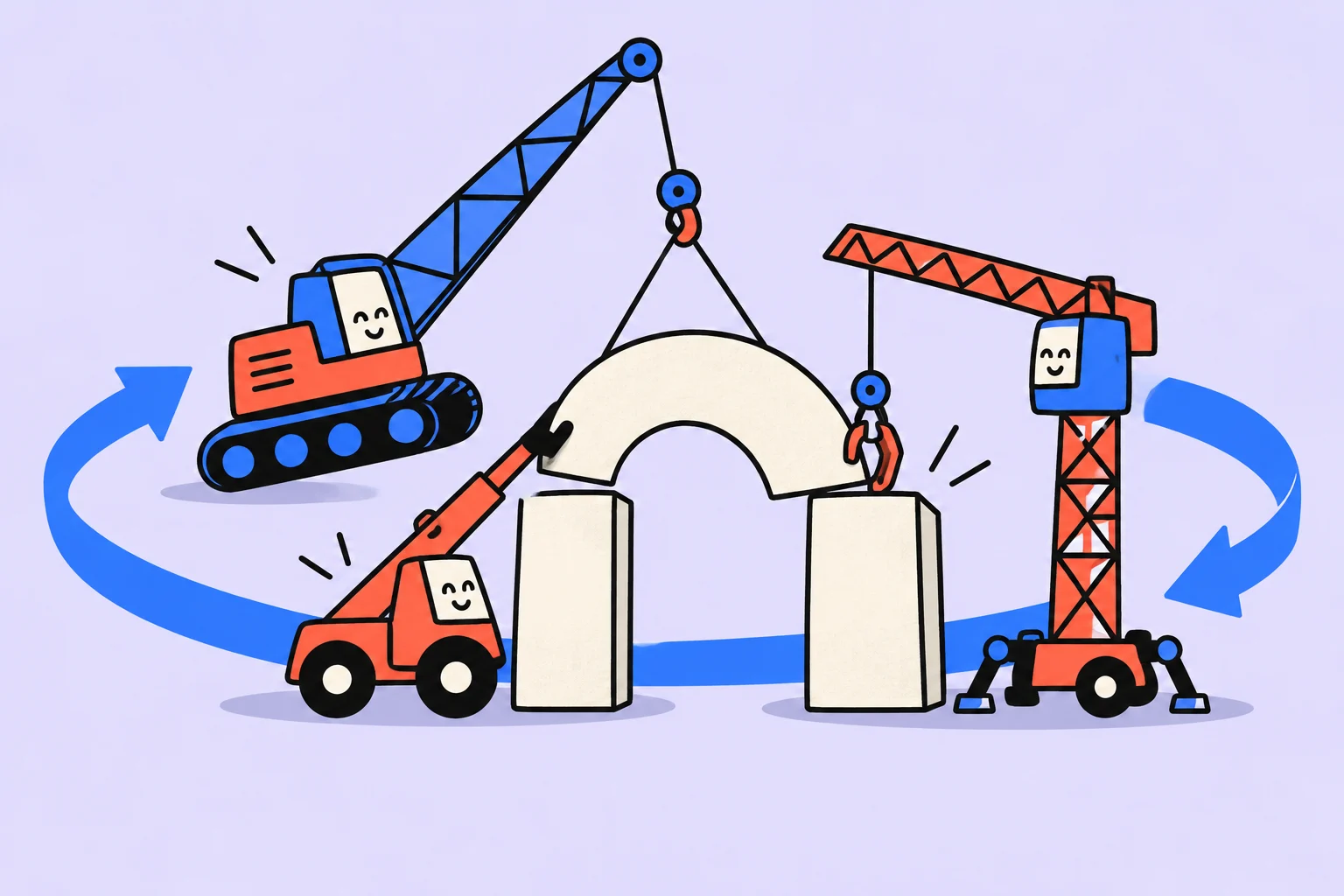
Scrum organises work in complex situations
Scrum is a lightweight framework used to create value when tackling complex problems. It provides a shared structure for inspection and adaptation without prescribing every technique a team uses.
An illustrative team is building a class-booking service. It cannot know in advance which explanation will best help people choose a format. Instead of trying to specify an entire year, it can inspect small usable results and refine the direction through feedback.
Using tasks, a board or a two-week calendar does not by itself mean a team is using Scrum. Understand what its elements are for, and do not promise that a collection of rituals will automatically speed up every organisation.
- Direction
The value the product aims to develop is clear.
- Work
The team chooses a goal for the next cycle and creates a usable result.
- Feedback
Inspect the result and the way of working, then clarify the next step.
Who is accountable for what?
| Accountability | Meaning |
|---|---|
| Product Owner | Maximising product value and managing the Product Backlog effectively |
| Developers | Creating a usable Increment in each Sprint |
| Scrum Master | Establishing Scrum and helping people understand how to apply it |
This is a brief explanation of the official guide's terminology, not an organisation chart for every company. “Developers” does not mean only programmers here; it refers to the people creating the product result. Simply renaming a project manager “Scrum Master” does not resolve questions about authority.
In our example, decisions about value, how work is done and support for the process must not merge into an opaque “everyone owns everything”. Specific people need to understand their accountabilities and ability to act.
How the work cycle runs
- Sprint Planning
Establish the next cycle's value and goal, choose the work and decide how to do it.
- Daily Scrum
Review progress towards the goal and adapt the immediate plan.
- Sprint Review
Inspect the result with relevant stakeholders and consider what to change next.
- Sprint Retrospective
Discuss how to improve the quality and effectiveness of the way the team works.
In the booking example, the goal could be to check whether people understand the available class formats. The team creates a usable improvement, gets feedback and discovers that people still confuse individual and group bookings. This is a reason to refine the next work, not proof that the cycle was useless.
The events support different decisions. The Review should not become merely a demonstration that everyone was busy, and the Retrospective should not become only a product discussion. Consult the current official guide for the details of each event.
What needs to stay transparent?
The Product Backlog is the evolving list of product work. The Sprint Backlog includes the Sprint Goal, selected items and the plan for implementing them. An Increment is a usable result that meets the Definition of Done. These terms help participants share an understanding of the work's state.
In our example, a draft design and a working booking improvement are different results. Calling both “done” makes feedback misleading. Agree on what must be checked before the result can be considered usable.
- Explain the chosen goal in ordinary words.
- Show the actual state of the work.
- Name the conditions for the result to be done.
- Record obstacles and new information.
- Use them to adapt the next decision.
A whole Sprint: from a goal to a working result
Return to the illustrative class-booking service. The team sees that people confuse an introductory class with a practical one. The Product Owner proposes a product goal: make it easier to choose a suitable format independently. For the next Sprint, the team chooses a narrower goal: let visitors distinguish the two formats and book the right one.
Possible work includes explaining the differences, changing the selection step and checking booking. An attractive administrator report is postponed because it does not support the selected goal. Developers discuss people's availability, technical dependencies and how to verify the result. The plan is not simply a manager handing everyone an equal number of cards.
- Goal
The visitor can distinguish the two class formats.
- Result
Selection and booking work together.
- Inspection
The journey is usable, and feedback informs the next step.
Midway through the Sprint, the team discovers that “for beginners” applies to both classes and does not help people choose. It refines the explanation and work plan. This is adaptation in service of the goal, not a reason to hide the problem until the final presentation. If a new client request appears, discuss its effect on the goal and scope rather than silently adding it on top of the agreed work.
The cycle needs a usable result. In our example, that means a working selection-and-booking journey checked against the agreed quality requirements. A design without working booking can be useful intermediate work, but it is not the promised result. At the Review, the team discusses the result and future direction; at the Retrospective, it considers how to improve its own way of working.
Three artifacts and three commitments that are often confused
The Product Backlog connects to the Product Goal, the Sprint Backlog to the Sprint Goal, and the Increment to the Definition of Done. These commitments clarify direction, the purpose of the current cycle and the quality the result requires. Do not replace Definition of Done with a wish list for one card: it expresses a shared understanding of when an Increment is done.
In our example, a requirement for one task is to show the difference between formats. The shared quality standard includes a checked working scenario without a known blocking defect. Work that fails the Definition of Done does not become done because the demonstration date arrives. The team defines the specific criteria for its product.
Scrum does not require story points, a particular application or a mandatory set of three Daily Scrum questions. However, dropping an optional technique does not mean removing goals, quality checks or accountability. Distinguish the framework's elements from one company's habits.
Start implementation by examining the conditions: can the team decide how to work, is the person accountable for the product available, and can the team get feedback on a usable result? If every task arrives as a non-negotiable urgent instruction, meeting names alone will not create these conditions.
Record a specific team action
Start with one task: “Clarify what done means for the booking improvement.” Record the expected output in the description: clarity about which user scenario must work and what the team checks before discussing the result. You do not need to transfer the whole article into the app; save what you will need while doing the work.
Do this before implementing the selected part. An ordinary task list helps keep actions visible; the team's organisational agreements require a separate discussion.
- Create a task with a specific action in its title.
- Add the completion conditions and necessary context to the description.
- Choose a day and check whether the work fits alongside your other commitments.
Signing up for Sinqly is free. You can also work through the article's example in an ordinary document; the app helps you return to the actions you chose.
When renaming processes is not the right starting point
If external constraints prevent the team from creating a usable result in a short cycle, address those first. If there is no authority to change work order or goals are constantly set by people without coordination, meetings alone will not solve the problem.
Read the official Scrum Guide and compare it with your situation. You can use individual helpful practices and honestly call them your own agreements. There is no need to label any mixture of meetings and a board “complete Scrum”.
An approach helps through the decisions and results it supports. Names for accountabilities and events matter when participants understand their purpose and effect on the work.
More questions to clarify
Is Scrum only for software developers?
No. In Scrum terminology, Developers are the people creating the product result. Whether the approach suits a team depends on its work and conditions.
Can one application implement Scrum for us?
No. An application can support tasks and transparency, but it does not automatically create accountability, authority or working agreements.
How does Scrum differ from Kanban?
Scrum defines a particular framework with events and accountabilities. Kanban focuses on defining and managing workflow. Choosing requires understanding the situation.
Was this helpful?
Rate the article and tell us what was missing. Your feedback goes to the Sinqly team and will not be published on the site.
Sources and notes
- Scrum Guide: the official text
- Scrum Guide: Scrum rules and events
- The suggested process reflects editorial practice; it does not promise identical results for everyone.

Definition of Done: what counts as finished work, with an example
How to agree on a Definition of Done, distinguish it from acceptance criteria and Definition of Ready, and check completion using a booking form example.

Sprint planning: set a goal, choose the work and inspect the result
Formulate a Sprint Goal, select work the team can complete and inspect the result. An illustrative booking improvement and common planning mistakes.
Project backlog: keep an idea list that helps you choose work
How to collect ideas, clarify tasks and choose the next work without an endless list of promises. An example backlog for a small product and rules for reviewing it.