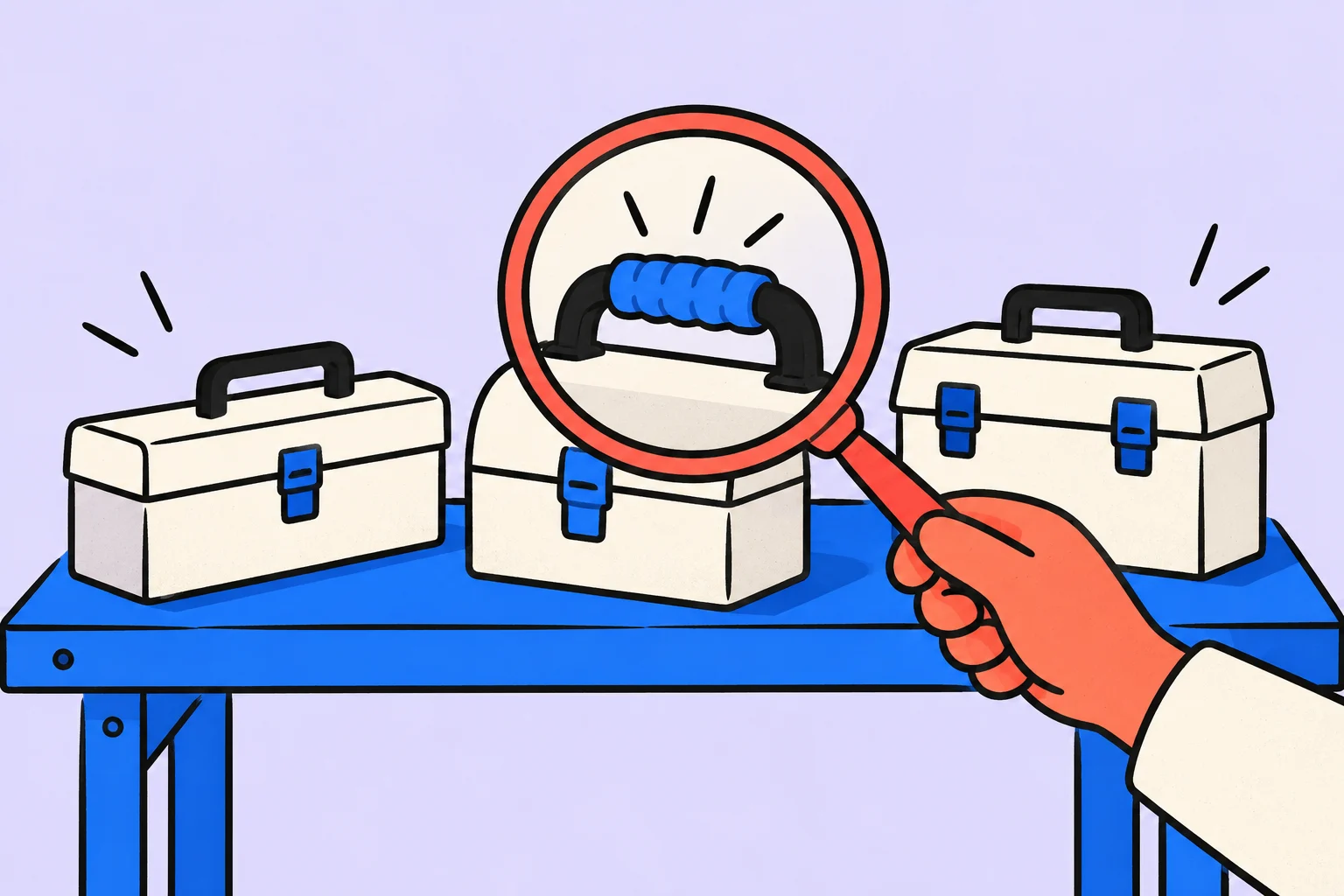
Choose a task manager around your team’s work
The task manager helps you store and organize tasks. A team benefits more from testing its actual workflow than comparing feature counts in a marketing table.
Consider an illustrative studio looking for a place to prepare client materials. One person creates a task, another does the work and a third checks the result. Some work happens on a phone. If the service only suits the task creator, choosing it on that person’s impression alone may not suit the others.
The author is Sinqly’s founder, as disclosed in the author profile. This article therefore makes no claim to be an unbiased ranking or to identify the best service for everyone. Instead, it offers a testable selection process that you can apply to several candidates, including our product.
- Scenario
Describe the actual handover of work.
- Trial
Test it with a small group using safe sample data.
- Decision
Compare the result, restrictions and cost of the transition.
Collect the required scenarios
| Scenario | Observed result |
|---|---|
| Task assignment | The recipient understands the action, context and completion criteria |
| Handover | It is clear who should continue the work |
| Deadlines | You can distinguish between the work plan and the promised result |
| Mobile access | The participant can perform the desired step from the phone |
| Search | Find the required task without remembering its exact location |
| Access | The real rights of participants have been verified |
| Leaving the service | Understand how to retain necessary data when switching tools |
Separate requirements from preferences. If you cannot work with your materials without a particular access restriction, that is an eligibility condition rather than a small deduction in an overall score. An occasional convenience should not automatically outweigh a difficult daily handover.
For shortlisted candidates, separately check current pricing, limitations and data storage terms in official sources. These change; a general article without a review date should not promise they will stay the same.
A trial project instead of enthusiasm for a demo
Use safe sample material to replay the workflow from assigning a task to completing it. Do not start by migrating your entire work database. You need to see how the team works, as well as a pleasant empty screen.
- Author
Creates a task and explains the result.
- Person doing the work
Opens the task in their working context and clarifies anything unclear.
- Reviewer
Finds the result, gives feedback and confirms readiness.
- Return
Another participant finds the decision after a few days and understands its context.
Record specific difficulties. “Did not like it” is hard to compare. “Could not find the description on a phone without a colleague’s help” is a repeatable, verifiable observation. Do not resolve every problem through spoken instructions and then call the whole workflow obvious.
How to compare results fairly
Use the same scenario under comparable conditions. If an experienced participant tests one service and a beginner tests another without guidance, the comparison reflects more than the product. Distinguish missing features, configuration problems and training needs.
- Record mandatory requirements before looking at attractive screens.
- Test the same workflow in each shortlisted tool.
- Write down facts, limitations and untested questions.
- Separately estimate the cost of transition and support.
- Make a decision with the participation of those who will work every day.
Trial project: six scenarios before migrating the team
Create a sample project without client data. Test the full journey: one person creates a task with an outcome criterion, another finds the necessary context, participants change an agreement, record completion and later find the decision history. A vendor demonstration does not replace walking through this process with your team.
Second, check access. Test an ordinary participant, a guest and someone who should have no project access, if your process needs those roles. Do not infer privacy from a padlock icon. Test the actual behaviour of links, attachments and notifications. If a required mode is unsupported or untested, say so explicitly.
Third, test daily use: find a task on a phone, read a long description, change the date and return to the right project. Test notifications in the required environment as well as checking for a setting. Fourth, test leaving the service: export the sample data and inspect what survives, including structure and attachments where relevant.
Fifth, calculate cost for your participants and required features: check plan limits on the current pricing page and in the contractual terms. Sixth, test support and recovery from a mistaken action. Do not invent scores for unknown properties; “not tested” is a useful pilot finding.
How to make a decision without ranking from advertising promises
Divide the requirements into mandatory and desirable. If you cannot work without a certain access restriction, a convenient color theme will not compensate for its absence. First, weed out the options that do not pass the required scenarios, then compare the convenience of those remaining on the same tasks.
For each observation, record the action and outcome: “A participant without access opened the link and was denied” or “The description was missing from the export.” This is stronger than “security: 9 out of 10”. Do not generalise a finding from one plan or mode to the entire product.
After choosing, migrate one bounded process and agree beforehand where the authoritative data will live. Parallel active lists in two systems quickly diverge. Keep the old system as a clear archive or in an agreed transition mode; duration and rules depend on your obligations and data security needs.
Sinqly is one option to test against suitable scenarios. This article does not claim that it fulfils every enterprise selection requirement or present an untested competitor comparison as a ranking. A useful outcome is a decision the team can explain through facts from its trial.
Test a basic workflow in Sinqly
Start with one task: “Test a sample task handover from assignment to result.” Record the expected outcome in the description: participants understand the description, find the necessary context and know what action comes next. You do not need to move the entire article into the service; save what you will need while doing the work.
Take time to test before transferring the actual materials. Start with one safe task and write down each participant's difficulty.
- Create a task with a specific action in its title.
- Add the completion conditions and necessary context to the description.
- Choose a day and check whether the work fits alongside your other commitments.
Signing up for Sinqly is free. You can also work through the article's example in an ordinary document; the app helps you return to the actions you chose.
How to migrate after choosing
Move work gradually if your circumstances allow. Agree on where the current task lives so the team does not maintain two conflicting lists. Assign someone to collect questions and clarify the rules.
After the first working period, revisit the original requirements. Have handovers improved, is context easier to find and what limitations have emerged? Account creation alone does not make the transition successful. A new interface will not resolve unclear responsibilities by itself.
The right tool for you supports your actual workflow. The choice should make the team’s work easier, and not require constantly explaining why a beautiful service is still useful.
More questions to clarify
Which task manager is the best?
Without the team's requirements, there is no honest universal answer. First, identify the must-have scenarios, then test the candidates along the same route.
Does the whole team need to buy a subscription at once?
First, check current trial terms and test the workflow with a small group. Base a purchase on a real need.
Is a personal test for a manager sufficient?
Not if different roles will use the service. Include the person doing the work, the reviewer and someone working on a phone.
Was this helpful?
Rate the article and tell us what was missing. Your feedback goes to the Sinqly team and will not be published on the site.
Sources and notes
- Atlassian: Tasks, Projects and Workflows
- The suggested process reflects editorial practice; it does not promise identical results for everyone.
Task prioritization: choose what matters when resources are limited
Choose what matters when everything will not fit: urgency, value, effort and uncertainty. Compare approaches and work through one task list.

Deadlines: set a realistic date, spot risks and agree on changes
What a deadline means, how to set a realistic date and how to notice delivery risks early. A backward plan, an interim check and an example message about a delay.
Timeboxing: limit a task's time and keep a useful result
Set a time limit for a task and decide in advance what to do when it ends. A draft-planning example and the difference from an ordinary calendar block.